
editing
How to remove retakes from a video automatically
How automatic retake removal works, how to record so it picks the right take, where it gets it wrong, and what to check by hand before you post.
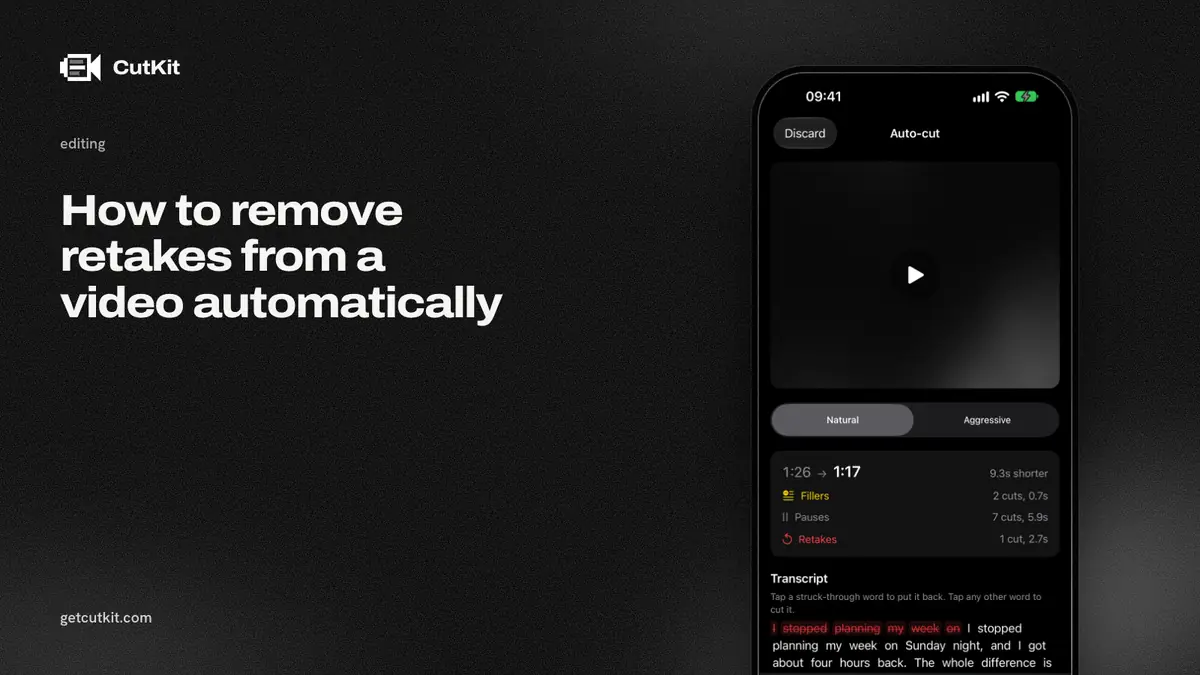
A retake is the same line said twice because the first try went wrong. To remove retakes from a video automatically, a tool turns your speech into text, spots where a sentence starts again, keeps one attempt and deletes the rest. It works well when you record the way the tool expects, and badly when you don’t. The cuts still need one pass from you.
Short answer: record each retake by starting the sentence over from its first word, leave a short pause before it, use a tool that lets you undo any cut, and watch the result once before posting. The tool picks the take. You approve it.
A retake in a transcript
Tools don’t watch your face. They read words. A retake shows up in a transcript as a repeat, and that’s all the software has to go on.
Here’s a raw take, written as the tool would hear it:
“So the app records in, sorry. The app records in native camera quality, 4K, and then it cuts, wait. And then it cuts the retakes for you.”
3 things happened. You started “the app records in” and stopped, which is a false start. You said the line again, which is a retake. And you said “and then it cuts” twice, which is another retake.
To an automatic tool, each one looks like the same beginning of a sentence appearing again shortly afterward, usually with a pause or an apology word (“sorry”, “wait”, “again”) between. Where the words match up, the tool has found a retake.
That’s why one habit does most of the work. Restart from the beginning of the sentence. Never from the middle. If you fumble at word 9 and resume from word 9, the transcript shows a broken sentence and then a fragment, with no clean repeat to match. A tool can’t tell those from a normal thought that changes direction.
Picking the keeper
A tool has to answer one question: of the 2 or 3 attempts, which one survives?
The usual rule is that the last complete attempt wins. It makes sense, because you stopped repeating when you got it right. Some tools weigh other things too, like which attempt has fewer fillers or a cleaner pause pattern. None of them can hear that your first take had the better energy.
Which is why the setting that matters most is undo. A good tool cuts aggressively and lets you restore any cut with one tap. A bad one hands you a finished file and no way back.
Who does this, and where
Retake removal is less common than filler removal. As of September 2026, from listings and pricing pages:
- Descript removes retakes, filler words and silences, per its pricing page. It’s a cloud service with an account, aimed at desktop and web. Hobbyist runs $24 a month, or $16 a month billed annually, though the page read 2 ways when we checked. It’s the strongest tool here for long-form editing and for fixing the words afterward.
- BIGVU lists one-tap filler and pause removal, uploaded to its cloud. We couldn’t confirm that it detects retakes.
- Captions lists AI Trim for pauses and filler words. We couldn’t confirm retake detection either.
- Detail removes silences and filler words, on the device since its 6.0 update (14 Sep 2026). We found no retake detection in its changelog or pages.
- CutKit cuts retakes and false starts on the phone, along with filler words and long pauses.
“Couldn’t confirm” means the listing or page didn’t say. It doesn’t mean the feature is missing. Read a tool’s own docs before you rely on it.
Record so the tool can find your retakes
You control most of the result before you press stop.
- Restart at the top of the sentence. Say the whole sentence again. Don’t repeat only the last few words.
- Pause for a second before the retake. A clear gap makes the boundary obvious in both the transcript and the waveform.
- Don’t change the wording. A retake that reads the same as the first attempt is easy to match. Rewriting mid-take makes it look like new content.
- Read from a script. It gives the retakes and the keepers the same words. That sameness is what makes them findable. An ad-libbed take repeats itself less predictably. A voice-following teleprompter helps because the text stays at the sentence you’re on.
- Don’t talk over your own fumbles. If you swear or laugh mid-sentence, the tool might read that as part of the take.
- Finish on a keeper. End each section with a clean read of its last line. If the last attempt is the one that survives, make it a good one.
The cases automatic removal gets wrong
Deliberate repetition. “Again and again and again” is a joke. A tool may treat it as retakes and delete 2 of the 3.
Lists and parallel sentences. “It records in 4K. It exports in 4K.” 2 sentences with the same start look like a retake.
Quoting yourself. Reading a line, then reading it as a quote, looks like a repeat.
A better first take. It’s rare. If the first version was the good one and you kept going by habit, the tool will delete it, and you’ll only catch that by watching.
Restarting mid-sentence. The tool sees a fragment with nothing to match it to, and leaves both.
Very quiet retakes. If you mumble the false start, the transcript may not capture it, and the tool can’t cut what it can’t hear.
The hand check
Before you export or post:
- Watch the whole clip once at normal speed. Don’t skim.
- At each cut, ask whether the version you kept is the best one.
- Check that no full sentence went missing. It’s easy to spot in a script, because the meaning jumps.
- Listen to the joins with headphones for clipped words and clicks.
- Check the file didn’t get recompressed, which is a quality issue and separate from the cut. See how to cut filler words on iPhone for what re-encoding does.
CutKit’s approach
CutKit is our iPhone app, in TestFlight beta, iOS 27 or later. You read a script with the teleprompter following your voice, and you keep going through mistakes. Press the Camera Control button to stop, and it cuts retakes, false starts, filler words in English and French, and long pauses, all on the phone. Nothing is uploaded and there’s no account.
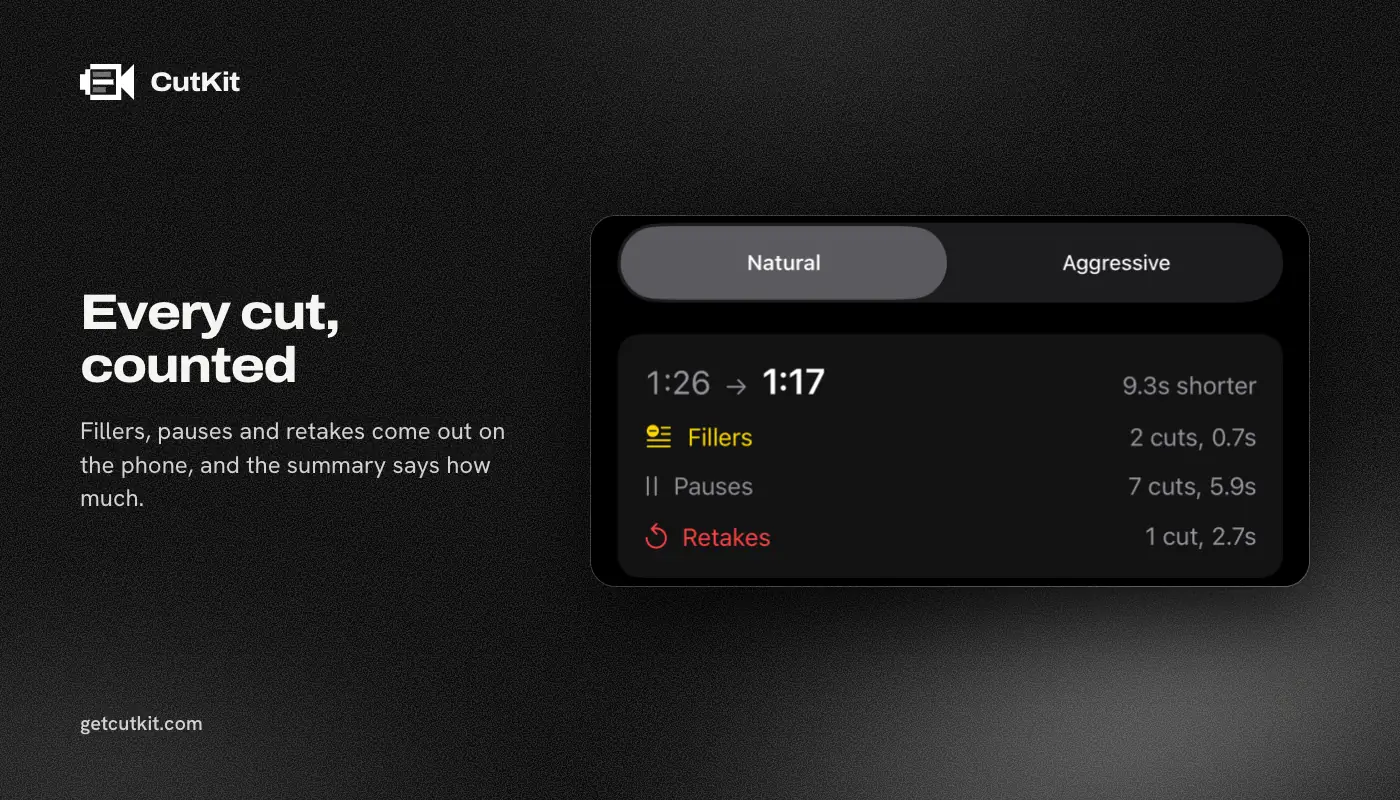
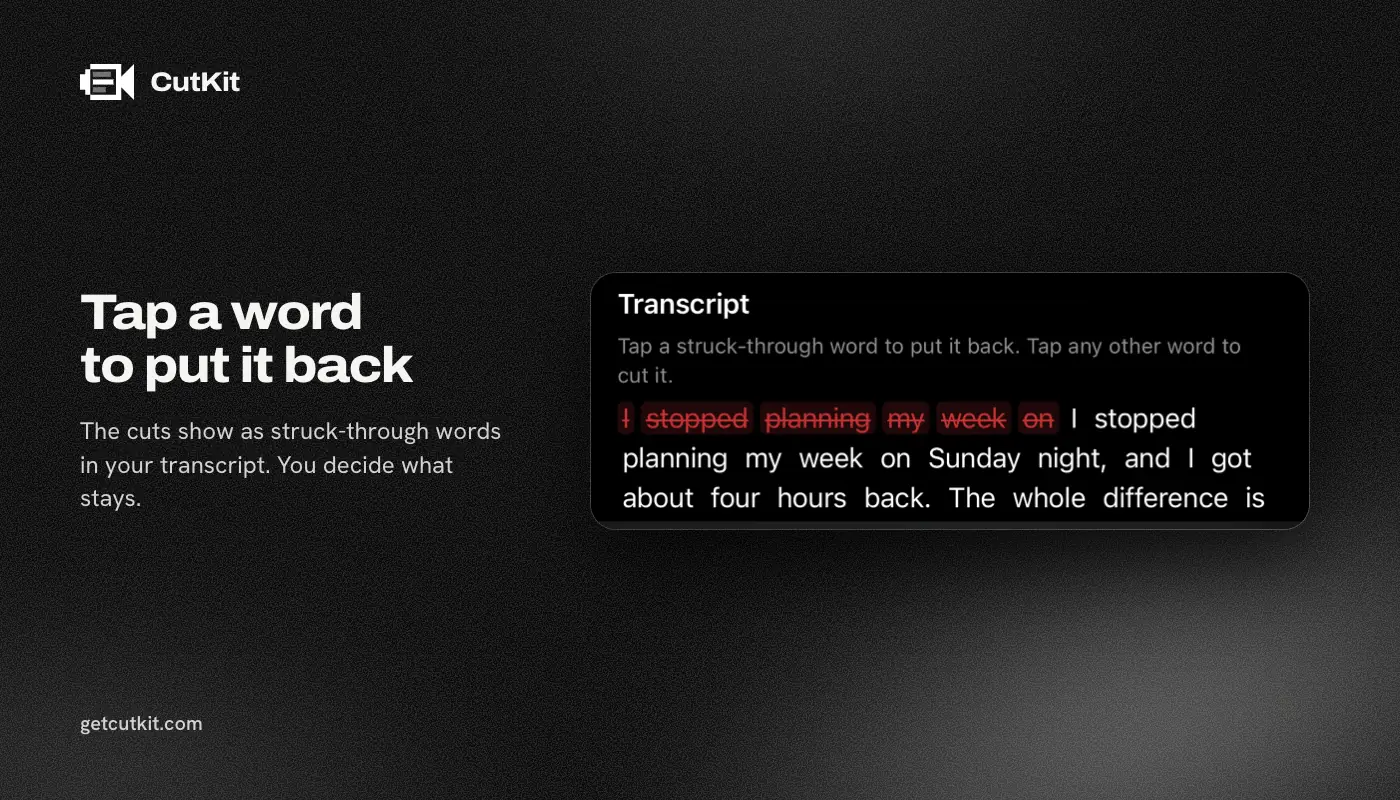
You choose a Natural or Aggressive pace, then review the cuts and tap to restore any of them. The export doesn’t re-encode, and the picture keeps the camera’s native quality: 4K, 10-bit HDR HEVC, stereo audio, saved to Photos. There’s no free plan, just a 7-day free trial, and exports during the trial carry a small CutKit watermark. After that Pro is $9.99 a month, $59.99 a year or $149.99 lifetime.
It’s limited. It works on iPhone only. It has no ratings yet. It cuts and stops there, so it has none of Descript’s text editing, and it’s worse than Descript for a one-hour interview. If your work is single-take vertical clips, that’s the job it’s built for. Join the beta on the home page.
Who should use what
If you record long-form content, want to rewrite words afterward, or edit on a laptop, use Descript. If you record short takes on your phone and want the cleanup done before you get the file, use an on-device tool. Either way, record with clean restarts and always watch the result once. You can see how the apps compare in the best teleprompter apps for iPhone.
Frequently asked questions
Can software remove bad takes automatically?
Yes. It transcribes your speech, finds where a sentence is repeated, keeps one attempt and deletes the others. It works best when you restart each sentence from its first word. Always review the result, since a tool can’t know which take you liked.
Which take does automatic retake removal keep?
Usually the last complete attempt, since people stop when they get it right. Some tools weigh other signals too. A tool that lets you restore any cut is safer than one that doesn’t.
Does CutKit remove retakes?
Yes. It cuts retakes and false starts on the phone, along with filler words and long pauses. You can review the cuts and tap to restore any one.
Does retake removal upload my video?
It depends on the tool. Descript and BIGVU are cloud services that need an account, per their pricing pages as of September 2026. CutKit cuts on the phone and uploads nothing.