
roundup
Best teleprompter apps for iPhone (2026), compared
10 iPhone teleprompter apps ranked by what a founder filming talking-head video needs: voice follow, recording quality, editing and price, as of September 2026.
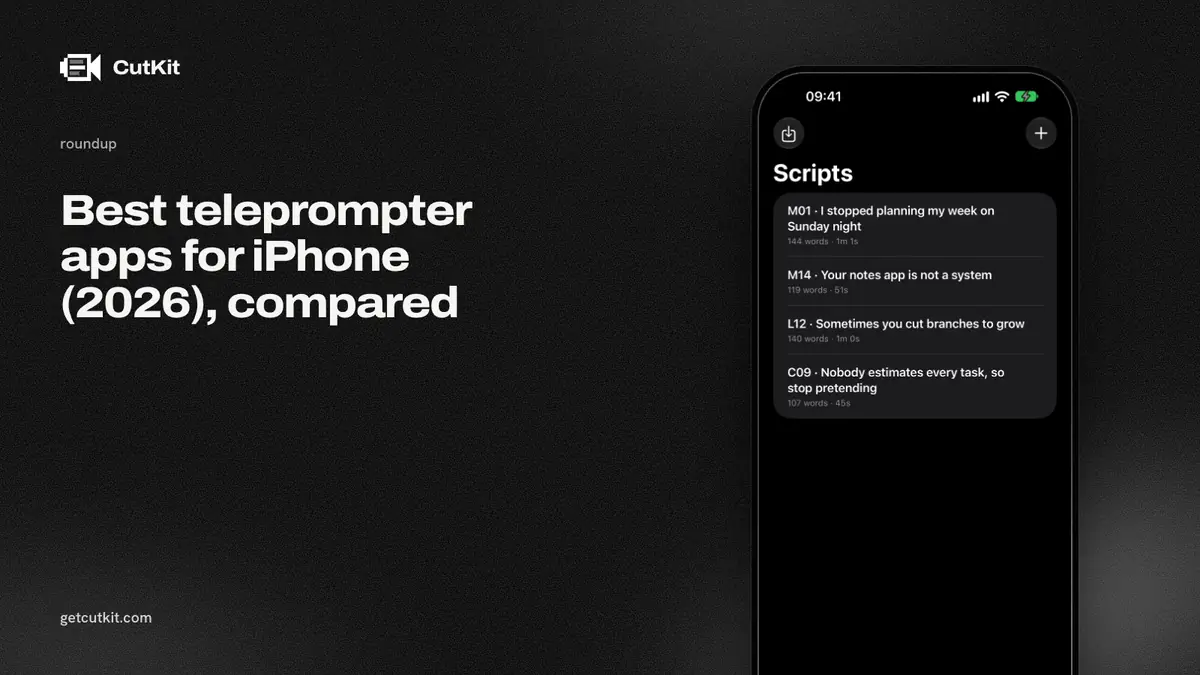
There’s no single best teleprompter app for iPhone, because the apps solve different jobs. If you want the safest pick with the most proof, take Teleprompter by Teleprompter Apps Ltd. If you want voice-following scroll and don’t mind a subscription, take Teleprompter.com. If you want one take that comes back with the retakes and filler already cut, that’s what we build with CutKit, and we’re a new app with no ratings yet.
Short answer: Teleprompter (Teleprompter Apps Ltd) for the most trusted all-rounder, Teleprompter.com for voice-following on more than iPhone, CutKit if the editing is the part you hate.
We make CutKit, so read the ranking with that in mind. We placed it fourth, and the reasons it isn’t higher are in its section. Prices and ratings below come from App Store listings, official pricing pages and recent App Store reviews, all checked on 29 September 2026. Where a listing or page didn’t say, we write that it doesn’t say. We didn’t run every app on the same script, and this isn’t a hands-on test.
Our criteria
4 questions, in this order, because they’re the ones that cost people money or footage.
- Does it follow your voice? A fixed scroll speed forces you to read at the app’s pace. Voice follow scrolls to where you are. Whether the recognition runs on the phone or on a server matters for privacy and for offline use, and most listings don’t say which.
- What does it record? Some apps record through the camera at whatever the app allows. Some cap free users at 1080p or add a watermark. Almost none say anything about HDR.
- Can it edit? Cutting the retakes and the ums is the slow part of a talking-head video. An app that only scrolls text leaves that to you.
- How does it charge? Weekly subscriptions, annual plans, one-time purchases. The most common one-star review in this category is a surprise paywall on something basic, like mirroring the text.
Then a fifth, softer one: how much proof is there that it works. A new app can be excellent and still have 0 ratings. A 4.8 with 33,000 ratings tells you something a landing page can’t.
Comparison table
| CutKit | Teleprompter (Apps Ltd) | Teleprompter.com | PromptSmart+ | BIGVU | Detail | |
|---|---|---|---|---|---|---|
| Voice follow | Yes, on device | No claim on listing | Yes, on-device status not stated | Yes, on device | Not stated on the pricing page | Yes, on-device status not stated |
| Recording | Native camera quality, 4K 10-bit HDR HEVC | Not stated | 4K on paid plans, 1080p with watermark free | “HD” in app | 4K export on AI Pro | 4K export, capture quality not stated |
| Cuts retakes and fillers | Yes, on the phone | No | No | No | Fillers and pauses, in the cloud | Silences and fillers, on the device since 6.0. Retakes not mentioned |
| Account | No | Not stated | Yes | Yes | Yes | Not stated |
| Price (as of September 2026) | 7-day free trial, then $9.99 a month, $59.99 a year or $149.99 lifetime | Free, Pro $59.99 | Free, Pro from $7.50 a month billed annually | $8.99 a month or $79.99 a year | Free, paid plans from $12 a month | Free with watermark, Pro EUR 5.83 a month or EUR 70 a year |
| Ratings | None yet | 4.82, 33,246 | 4.76, 29,009 | 4.50, 550 | 4.73, 35,645 | 4.55, 3,795 |
1. Teleprompter (Teleprompter Apps Ltd)
Best for: people who want the app with the most proof and don’t need voice follow.
This is the one at the top of the App Store search for “teleprompter”, and the ratings back it up: 4.82 across 33,246 ratings as of September 2026. It runs on iPhone, iPad and Apple Watch, and the listing mentions keyboard, pedal and controller remotes. If you shoot with a second person or a pedal, that’s the strongest setup here.
What it lacks: the listing makes no voice-follow claim and doesn’t state a recording resolution. There’s no editing. Pricing is a free tier plus Pro, and the listing says Pro is available as a one-time purchase or a subscription. The price points on the page ($59.99 and $159.99) don’t map cleanly to plans, and a September 2026 one-star review complains about needing a $60 annual subscription to mirror the text. Check what’s free before you shoot, not after.
2. Teleprompter.com
Best for: voice-following scroll, with the same app on iPhone, Android, Mac and web.
Its voice scrolling is called VoiceGlide, and it has 29,009 ratings at 4.76. The pricing page lists Pro at $19.99 a month or $7.50 a month billed annually, and 4K without a watermark only on paid plans. Free is 1080p with a watermark. It also trims, blurs backgrounds, adds automatic subtitles and cleans audio, but we found no retake or filler cutting.
2 cautions. An account is standard. And a September 2026 review says the voice scroll “greatly lagged behind my voice”, so if you read fast, test it on your own script during the trial before paying.
3. PromptSmart (Pro and PromptSmart+)
Best for: on-device voice follow from a company that’s been doing it for years.
PromptSmart uses a patented voice tracker. The older PromptSmart Pro is a paid upfront app at $29.99, English only, with an optional subscription on top, and it doesn’t require an account. The newer PromptSmart+ says all its speech recognition runs on the device with no internet connection, and lists 15 languages, but it’s subscription only at $8.99 a month or $79.99 a year, language packs cost $29.99 each, and it makes you create an account.
Neither cuts your footage. PromptSmart+ has 550 ratings at 4.50, and its recording is described only as HD. Good if voice follow in a language other than English is the deciding factor.
4. CutKit
Best for: talking-head video where you’d rather not open an editor.
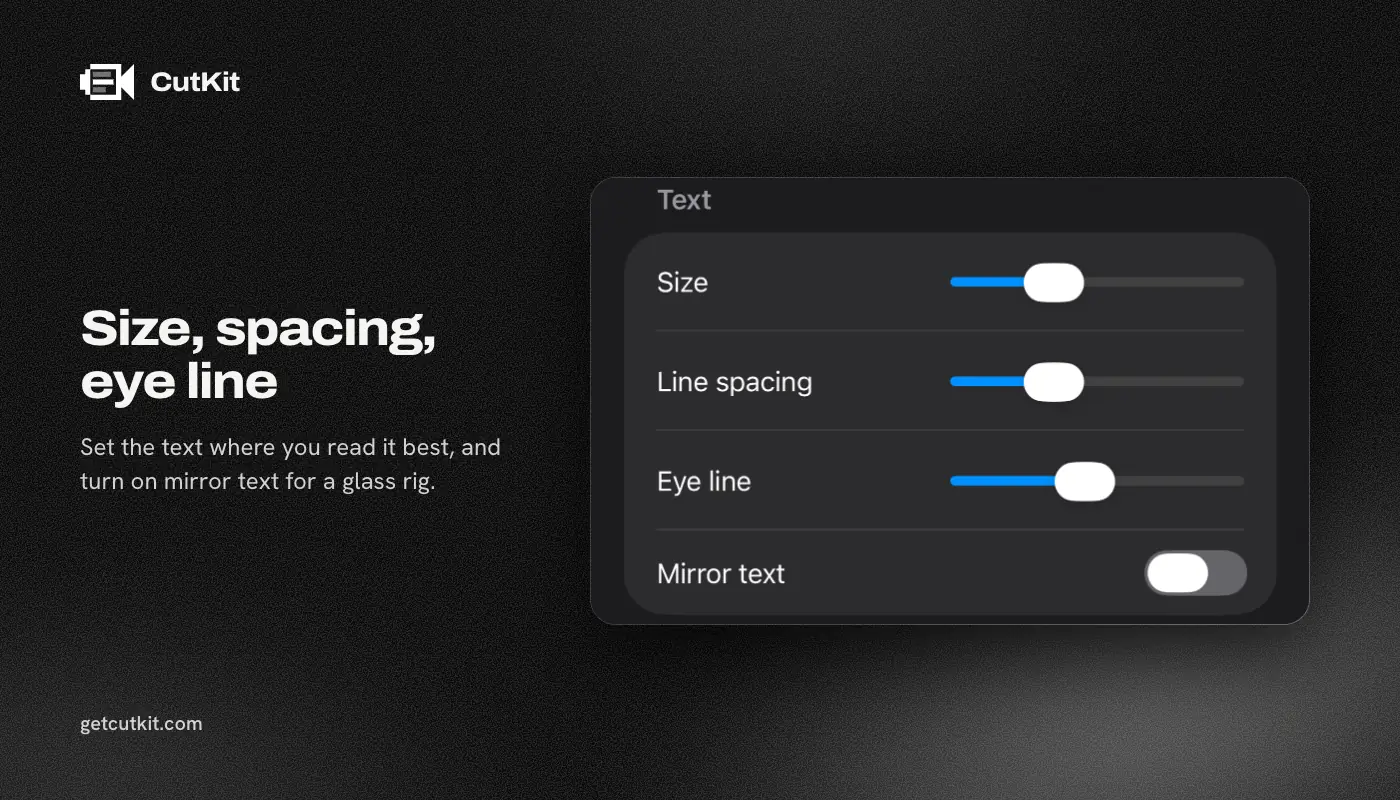
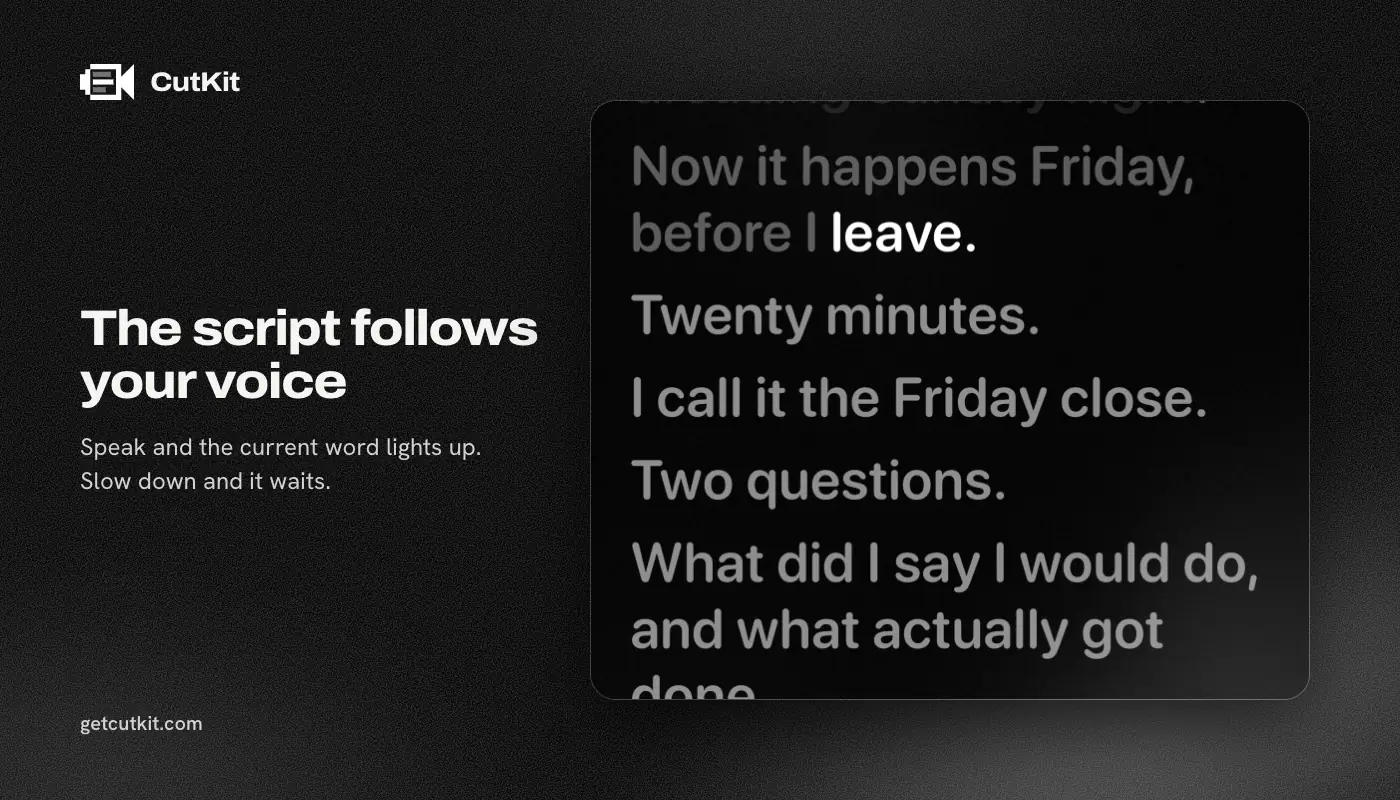
CutKit follows your voice on the phone using Apple’s SpeechAnalyzer, with no account and nothing uploaded. It records in the camera’s native format, which is 4K 10-bit HDR HEVC with stereo audio, and saves to Photos. The Camera Control button starts and stops a take. Afterwards it cuts retakes, false starts, filler words in English and French, and long pauses, at a Natural or Aggressive pace. You review the cuts and tap to restore any of them, and the export doesn’t re-encode. Scripts come from Claude over MCP, from Apple Notes through Shortcuts, or from a paste.
There’s no free plan, just a 7-day free trial, and exports during the trial carry a small CutKit watermark. After that Pro is $9.99 a month, $59.99 a year or $149.99 lifetime.
Why it’s fourth and not first: it has no ratings, it’s in TestFlight beta as we write this, and it needs iOS 27 or later. It’s iPhone only. It cuts and stops there, so there’s no timeline, no B-roll, no effects, and fewer editing features than Descript, Captions or CapCut. And it doesn’t have the remote control, pedal or Watch support that Teleprompter (Apps Ltd) does. If you need any of those, pick something above it.
You can join the beta from the home page.
5. Detail
Best for: an all-in-one phone editor that follows your voice and cuts silences and filler words on the device.
Detail (Detail Technologies B.V.) is the closest match to CutKit on the cutting side, and it has far more proof: 4.55 across 3,795 ratings as of September 2026. Its changelog says that with Voice Tracking on, the teleprompter adapts its speed as you read (version 5.5.5, 9 Feb 2026). Its Auto Edit finds moments, removes silences and, with a “Cut Filler Words” toggle, removes fillers. Since 6.0 (14 Sep 2026), Detail says that Auto Edit runs on your device and “nothing leaves your phone.” It also does multicam, livestreaming, reaction videos and captions in 50+ languages, and it runs on iPhone, iPad and Mac. On editing depth it’s ahead of CutKit.
What we couldn’t confirm: whether voice tracking runs on the device, whether it records 10-bit HDR HEVC, whether its export re-encodes, and whether it removes retakes and false starts. Whether basic use needs an account isn’t stated. The free plan puts a watermark on exports. Pro removes it, at EUR 5.83 a month or EUR 70 a year, priced in euros on its pricing page. We found no one-time purchase. 2 reviews from 2026 complain about blurry saved video. Those are user reports we couldn’t confirm. We wrote up the differences in CutKit vs Detail.
6. BIGVU
Best for: one subscription that covers teleprompter, captions and editing.
BIGVU has 35,645 ratings at 4.73, the most in this list. The pricing page lists a free tier at 720p with a watermark and a 9 minute limit, Starter at $12 a month, AI Pro at $19 a month with 4K export, and Max at $49 a month, which is where the Claude MCP integration sits. It removes filler words and awkward pauses with one tap, but it uploads to BIGVU’s cloud and requires an account. We wrote up the differences in CutKit vs BIGVU.
The app is about 1.6 GB on the App Store, and one September 2026 review says it wiped the reviewer’s videos and scripts. That’s one review. It’s also a reason to back up before you rely on any cloud app.
7. Teleprompter Automatic
Best for: a lifetime purchase with voice scrolling and manual trimming.
The listing says voice scrolling “listens to your speech and advances the script”, and mentions camera options including resolution, frame rate and HDR. It edits by hand: trim, rotate, speed, combining clips, subtitles and translation. It doesn’t cut fillers or retakes on its own. Prices as of September 2026: $17.99 monthly, $79.99 annually or $89.99 lifetime. It has 260 ratings at 4.72, and cloud sync needs a sign-in. On-device recognition isn’t stated.
8. CueFrame
Best for: a free, no-account teleprompter, if you can live with zero ratings.
CueFrame is the nearest app to CutKit on capture. The listing says no account, no subscription and no backend. The site says on-device speech recognition tracks every word, using Apple’s Speech framework, and it records at 1080p or 4K when supported. It doesn’t cut anything, and it has no ratings yet. It requires iOS 17 or later, which makes it available to far more phones than CutKit. If you don’t need cutting, that’s a real point in its favor.
9. CapCut
Best for: people who already edit in CapCut and only need a scrolling script.
CapCut’s teleprompter uses a manual speed slider, not voice follow, according to third-party comparisons. The app has 1,122,338 ratings at 4.61. It has auto captions, trim and split, and its listing mentions 4K 60fps export with smart HDR. It’s free with a Pro subscription at $7.99 to $19.99 a month or $89.99 a year, as of September 2026. It’s a full editor, so it does far more than CutKit does after the take. It doesn’t follow your voice. See CutKit vs CapCut.
10. Speakflow
Best for: teams who write scripts on desktop and read them on a phone.
Speakflow has a voice-scrolling feature called Flow, limited on the free plan and unlimited on Plus at $19 a month, per its pricing page. The focus is desktop and web, and the iOS app is new, with 3 ratings so far, which is too few to read anything from. It documents script tools and no editing.
Free options that skip the download
Instagram put a teleprompter in the main camera on 31 May 2026, according to Social Media Today quoting Adam Mosseri, and TikTok has one too. Both are free and both require their own app and account. You record inside the platform’s camera, so you get the platform’s video limits, and we couldn’t confirm either one follows your voice. For a quick post, that’s fine. For anything you’ll reuse on YouTube or a website, record in your own camera app.
Apps we left out
We skipped apps whose listings we couldn’t read enough of to say anything fair. Some well-known names show up in search results without enough public detail for us to describe them, and we’d rather leave them off than guess. If you think one belongs here, tell us and we’ll check it.
Picking one
If you shoot with a pedal or a second person and want the safest choice, pick Teleprompter (Apps Ltd). If you want voice follow across phone, Mac and web and a subscription is fine, pick Teleprompter.com. If voice follow in another language matters, look at PromptSmart+ first.
If you post talking-head clips and the editing is what eats your evening, look at Detail if you want a full editor on the phone, and at CutKit if you want retakes cut using your script, native-camera capture and a lifetime option. Read how the voice following works, how to record Shorts and Reels with a teleprompter and how to cut filler words on iPhone, then decide with the free trial.
Frequently asked questions
What is the best free teleprompter app for iPhone?
It depends on what you count as free. CueFrame lists no account and no subscription. Teleprompter Apps Ltd’s Teleprompter and Teleprompter.com both have free tiers with limits, and Teleprompter.com’s free tier adds a watermark and stops at 1080p. CutKit has no free plan, only a 7-day free trial with a small watermark on exports, then Pro at $9.99 a month, $59.99 a year or $149.99 lifetime, as of September 2026.
Does a teleprompter app work while you record?
Yes, that’s the point of most of them. The script sits at the top of the screen near the lens while the camera records. Instagram’s and TikTok’s built-in teleprompters do the same inside their own cameras. What differs is whether the recording keeps the camera’s full quality or gets recompressed.
Do any iPhone teleprompter apps follow your voice?
Yes. Teleprompter.com, PromptSmart, Teleprompter Automatic, Speakflow, CueFrame, Detail and CutKit all describe voice-following scroll. Only PromptSmart+, CueFrame and CutKit state that recognition runs on the device. For the rest, the listings don’t say.
Which teleprompter apps add a watermark?
Teleprompter.com’s free tier adds one, and so do BIGVU’s and Detail’s free tiers, per their pricing pages as of September 2026. Check the listing and free-tier limits before you record something you can’t redo.