
comparison
CutKit vs Detail: iPhone teleprompter with auto edit
Detail is the closest rival: an iPhone teleprompter with Auto Edit that runs on the device. CutKit cuts retakes, records native HDR, has a lifetime price. Compared.
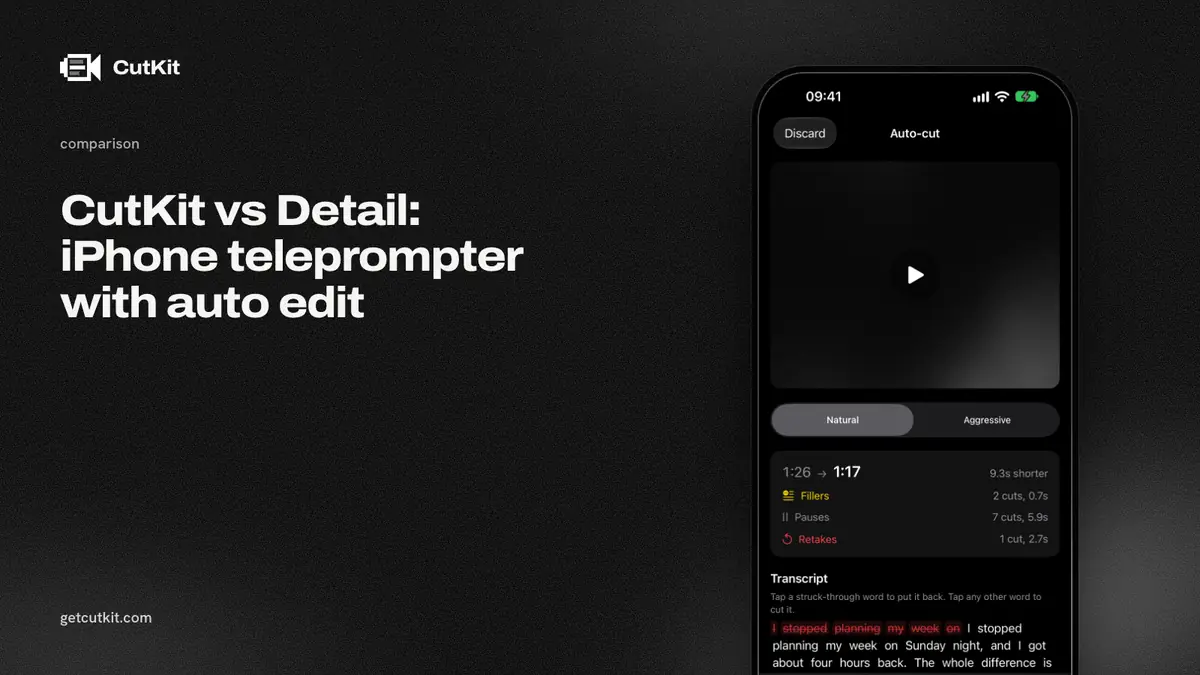
Detail does both halves of what CutKit does. It’s an iPhone teleprompter with voice tracking, and its Auto Edit cuts silences and filler words. Since version 6.0 on 14 Sep 2026, Detail says that Auto Edit runs on the phone. If you’re comparing an iPhone teleprompter with auto edit, these are the ones to put side by side.
Short answer: pick Detail if you want a full iPhone and Mac video studio with multicam, livestreaming, captions in 50+ languages and a large user base. Pick CutKit if you want a narrower tool that cuts your retakes and false starts, records in native 4K 10-bit HDR HEVC, and offers Pro monthly, yearly or lifetime. CutKit is a TestFlight beta with no ratings. Detail is a mature app.
Detail is a much bigger product
We researched Detail from its own pages, its changelog and the App Store on 29 Sep 2026. Here’s what we found, and it’s a lot.
The App Store shows 3,795 ratings at 4.55, and the app updated on 26 Sep 2026. It’s an iPhone, iPad and Mac product (Detail Studio is the Mac app), and its site says it won an App Store award in 2025 and was a 2026 Apple Design Award finalist.
Its teleprompter has an AI Director, and its changelog says that with Voice Tracking on, the teleprompter adapts its speed as you read (version 5.5.5, 9 Feb 2026). Its Auto Edit finds moments, removes silences and, with a “Cut Filler Words” toggle, removes the ums and uhs. On the changelog for 6.0, Detail writes: “Our new Auto Edit runs on your device now” and “nothing leaves your phone.” That’s the same promise we make, so we won’t tell you nobody else makes it.
Then there’s everything around it: multicam recording, livestreaming to YouTube, Twitch and RTMP, reaction videos, green screen, and captions in 50+ languages. CutKit has none of that.
Gaps that remain
The gaps are narrow, and you should check each one against your own needs.
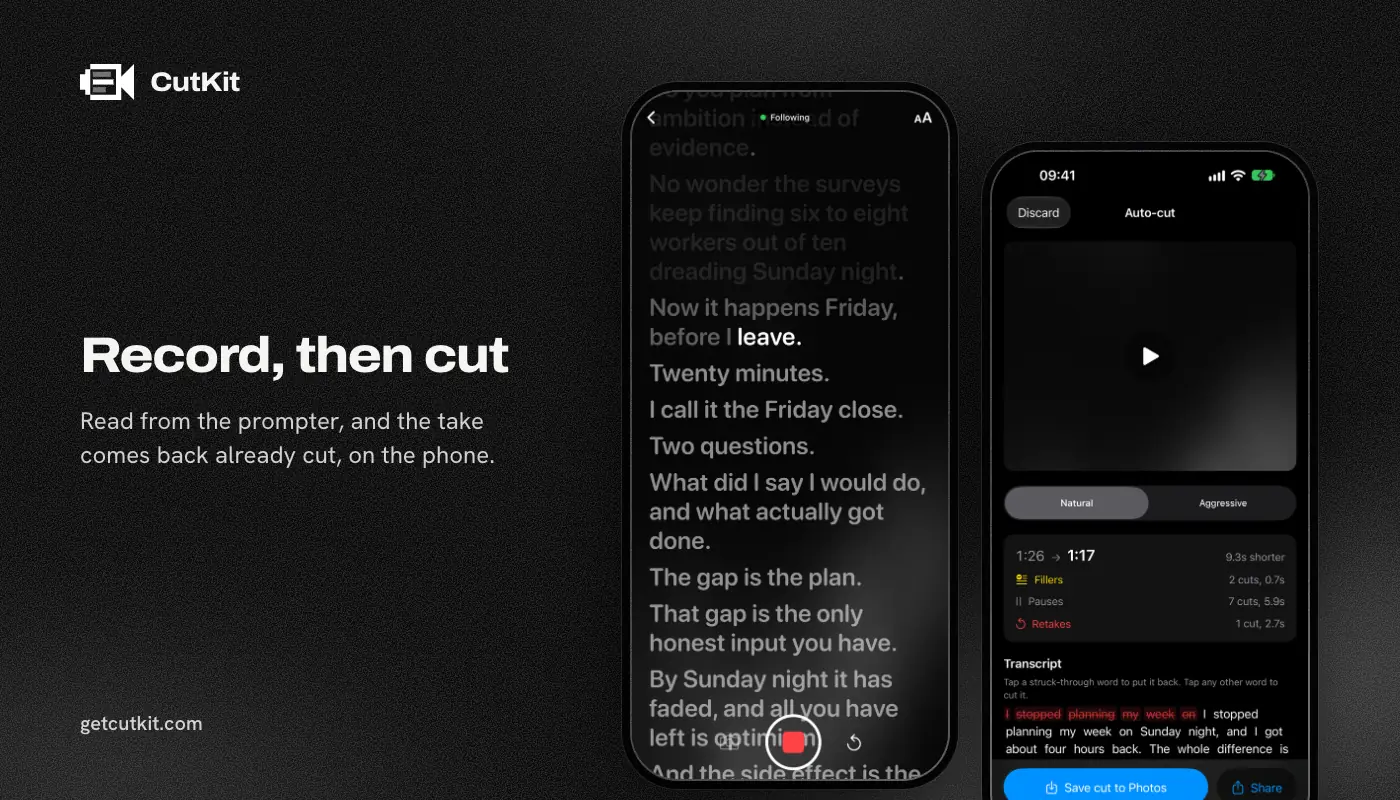
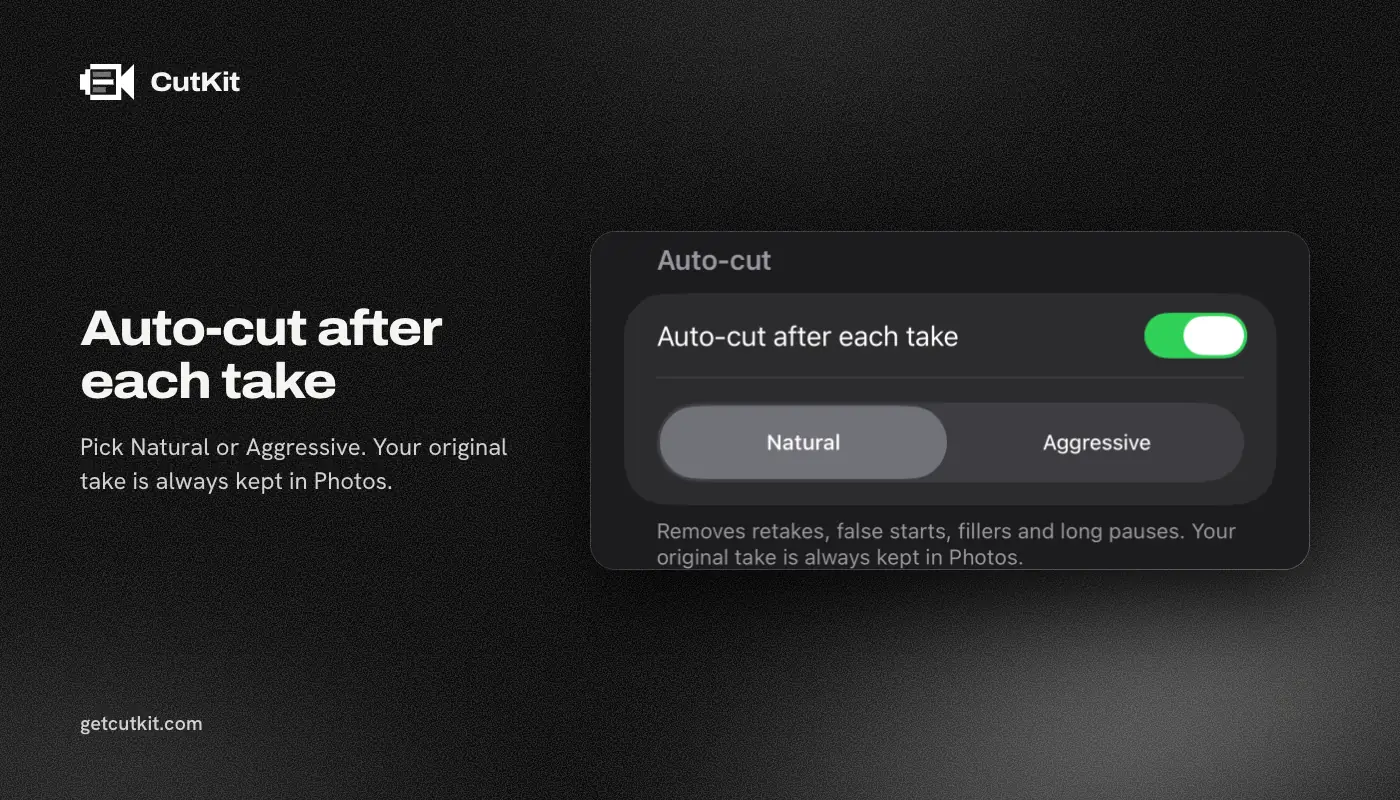
Retakes. Detail’s Auto Edit removes silences and filler words. In the pages and changelog we read, we found no mention of removing retakes or false starts. CutKit is built to cut retakes, false starts, filler words (English and French) and long pauses, at Natural or Aggressive pace, and you tap to restore anything it shouldn’t have cut.
Native format and no re-encode. CutKit records in the camera’s native quality (4K, 10-bit HDR HEVC, stereo audio, saved to Photos) and exports the cut without re-encoding. Detail’s listing says “4K video export”. Its recording resolution, HDR and HEVC capture aren’t stated anywhere we looked. App Store reviewers in August 2026 twice complained about blurry or low-resolution saved video. Those are user reports, and we haven’t confirmed them.
Price. Detail’s basic plan is free with watermarked exports. Pro is 5.83 euros a month or 70 euros a year (its pricing page, as of September 2026), and it removes the watermark. The Mac app, Detail Studio, needs its own subscription. CutKit has a 7-day free trial with a small watermark on exports, then Pro is $9.99 a month, $59.99 a year or $149.99 lifetime for 4K and unlimited scripts. Detail’s monthly price is lower than ours.
Account. Detail’s privacy policy talks about features “if you create an account” and says recordings may be uploaded, but it doesn’t say whether basic use needs one. CutKit has no account at all.
The comparison table
| CutKit | Detail | |
|---|---|---|
| Price (as of September 2026) | 7-day free trial, then $9.99 a month, $59.99 a year or $149.99 lifetime | Free with watermark, Pro 5.83 euros a month or 70 a year |
| Voice-following teleprompter | Yes, on device | Yes, Voice Tracking, on-device status not stated |
| Filler words and silences | Cut on the phone | Cut, on device since 6.0 |
| Retakes and false starts | Cut automatically | Not found |
| Recording format | Native 4K, 10-bit HDR HEVC | Not stated, 4K export |
| Re-encode on export | No | Not stated |
| Account | None | Not stated |
| Multicam, livestream, captions | No | Yes |
| Platforms | iPhone, iOS 27+ | iPhone, iPad, Mac, iOS 17+ |
| App Store rating | None yet | 4.55, 3,795 ratings |
Who should pick which
Pick Detail if you make podcasts, reaction videos, livestreams or multicam interviews, want captions and a Mac app, or need something that runs on older iPhones. It’s free to start and it’s the more complete product today.
Pick CutKit if your clips are scripted talking-head takes and the time sink is the retakes, and you want a lifetime option as well as a subscription. Scripts can come from Claude through MCP, from Apple Notes through Shortcuts, or from a paste. CutKit needs iOS 27 or later, so check your phone first.
Other angles are on the rest of our comparison pages, including CutKit vs Descript, CutKit vs CapCut and CutKit vs BIGVU. The roundup of teleprompter apps for iPhone covers the rest of the field. You can join the CutKit beta on the home page.
Frequently asked questions
Does Detail have a teleprompter?
Yes. Detail has a teleprompter with an AI Director, and its changelog says Voice Tracking adapts the speed as you read. Whether voice tracking runs on the device isn’t stated.
Does Detail remove filler words on the device?
Its version 6.0 notes, dated 14 Sep 2026, say Auto Edit runs on your device, works offline and nothing leaves your phone. The “Cut Filler Words” toggle removes ums and uhs.
Is Detail free?
There’s a free plan with unlimited recording and editing and watermarked exports. Pro removes the watermark for 5.83 euros a month or 70 euros a year, as of September 2026.
Does Detail remove retakes?
We found no mention of retake or false-start removal in Detail’s pages, changelog or listing. Its Auto Edit is described as removing silences and filler words.
How is CutKit different from Detail?
CutKit is narrower. It cuts retakes, false starts, filler words and long pauses, records native 4K 10-bit HDR HEVC, exports without re-encoding and has no account. Detail has more features and a much larger user base.