
comparison
CutKit vs BIGVU: teleprompter and auto cut on iPhone
BIGVU is a cloud studio with captions and AI editing on a subscription. CutKit is an iPhone teleprompter that cuts your retakes on the phone. Compared honestly.
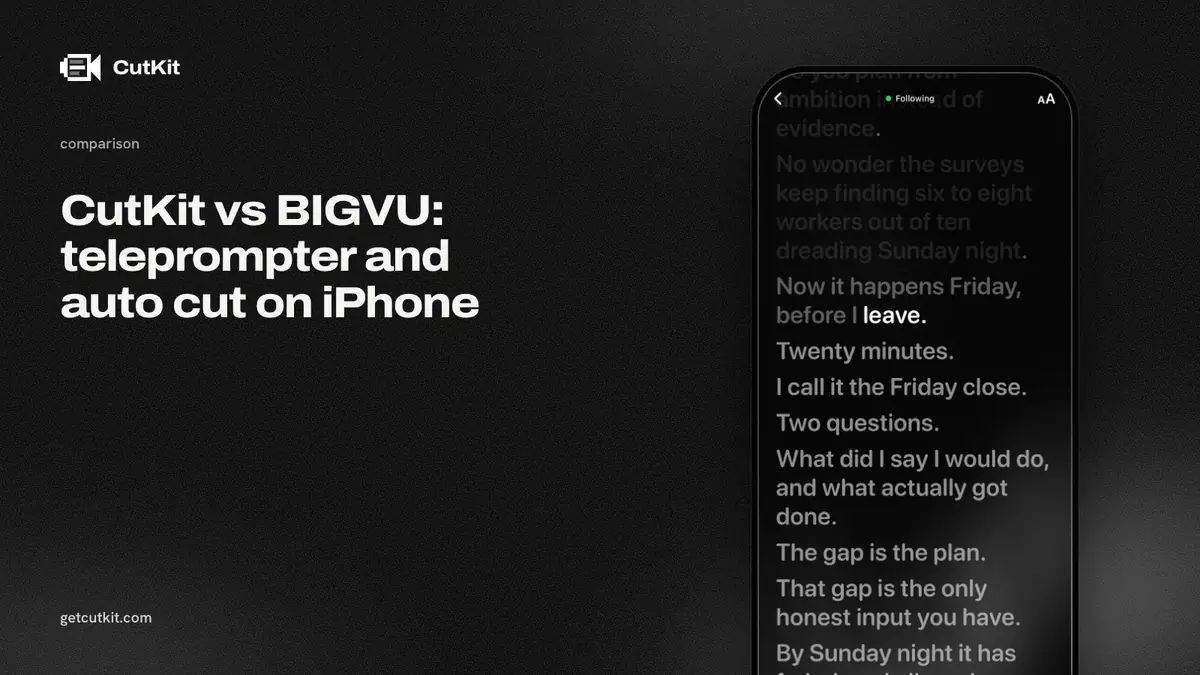
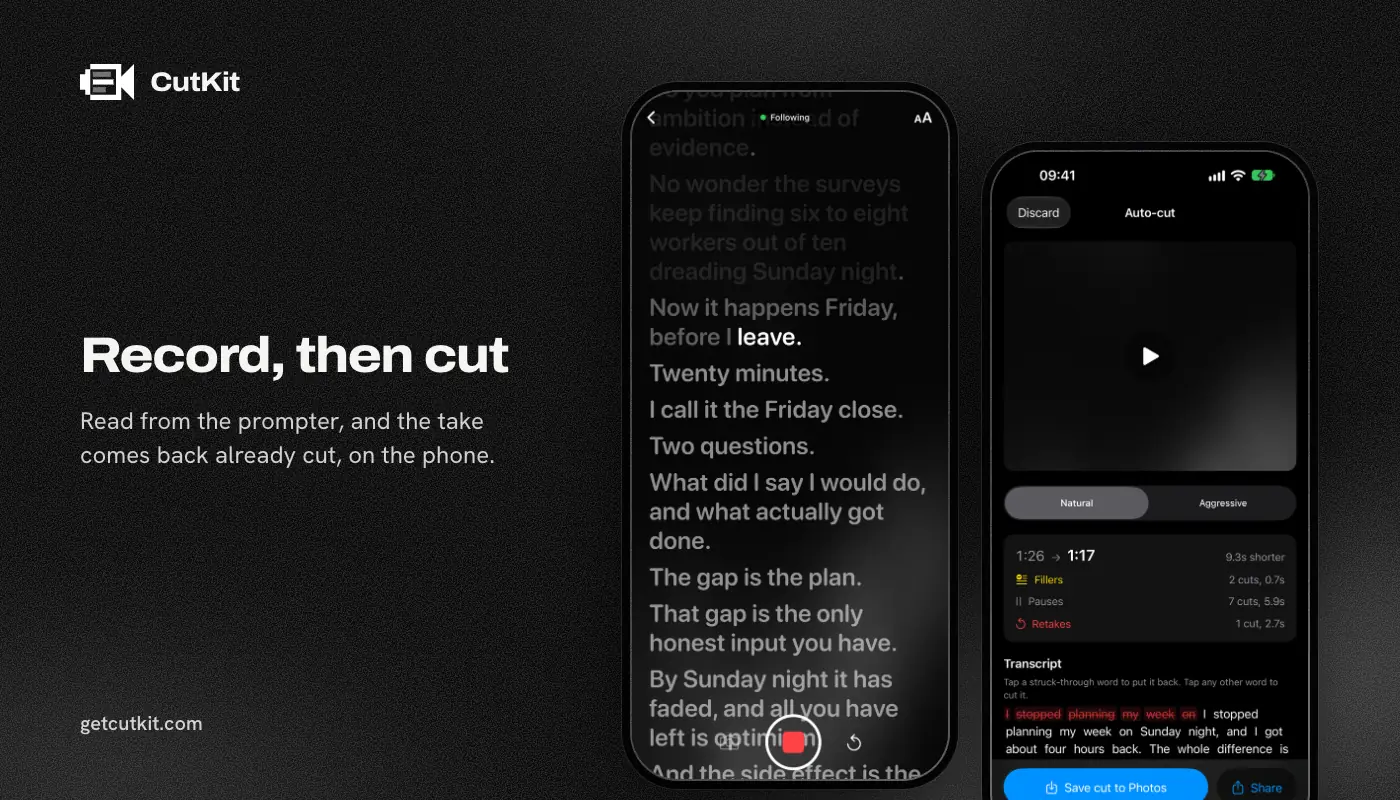
If you’re weighing a BIGVU teleprompter against CutKit, the question is how much of a studio you want. BIGVU is a teleprompter, captions and an editor in one subscription app. CutKit is a teleprompter that follows your voice on the phone, records in the camera’s own format, and hands the take back with the retakes and filler already cut.
Short answer: pick BIGVU if you want captions, effects and a web editor, and you’re fine with an account, uploads and a monthly plan. Pick CutKit if you shoot one talking-head take at a time on an iPhone and want it cut on the phone, with nothing uploaded and a lifetime option if you hate subscriptions. CutKit is in TestFlight beta, BIGVU has years on the App Store, and that gap matters.
BIGVU wins on proof, reach and tools
Start with what BIGVU has that we don’t, because it’s a lot.
It has proof. The App Store shows 35,645 ratings at 4.73 for BIGVU (checked 29 Sep 2026). CutKit is a beta with no ratings yet, so you’re taking our word for it and nobody else’s.
It has reach. BIGVU runs on iOS and on the web, so you can start a project on your phone and finish it at a desk. CutKit is iPhone only. There’s no Android app and no web editor.
It has a fuller toolbox. BIGVU pitches captions, and its site describes one-tap removal of filler words and awkward pauses plus picking words to delete (checked 29 Sep 2026). CutKit cuts retakes, false starts, filler and long pauses, then stops. No captions, no effects, no stock footage.
If your videos live and die on animated captions and templates, BIGVU is the better tool for that job today.
CutKit wins on privacy, quality and price
Nothing leaves your phone. BIGVU needs an account, and its editing uploads your footage to BIGVU Cloud (its site, checked 29 Sep 2026). CutKit has no account. The teleprompter follows your voice on the device using Apple’s SpeechAnalyzer, and the cut happens on the device too.
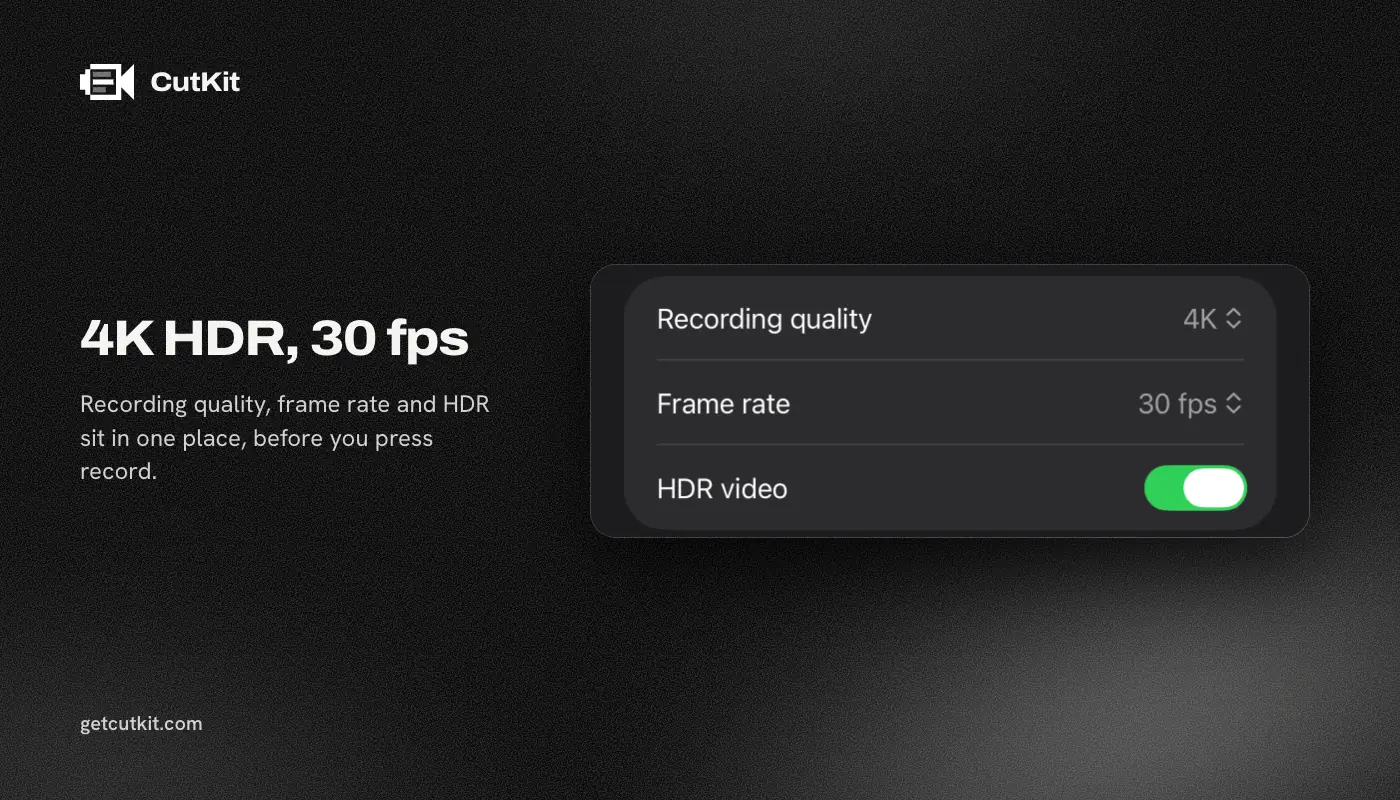
No re-encode. CutKit records in the native camera format: 4K, 10-bit HDR HEVC, stereo audio, saved to Photos. When you export, it cuts the file without re-encoding it, so the quality you shot is the quality you get. BIGVU’s site puts 4K export on its AI Pro plan at $19 a month or more. Whether its source recording is 4K or HDR, we couldn’t verify.
A lifetime option. BIGVU is subscription only. CutKit has a 7-day free trial, with a small CutKit watermark on exports during it, then Pro is $9.99 a month, $59.99 a year or $149.99 lifetime for 4K and unlimited scripts. If you hate subscriptions, the lifetime price means no monthly bill to forget about.
Retakes. BIGVU documents filler and pause removal. We found no mention of retake detection on its pages. CutKit is built around it, and you review every cut and tap to restore any it got wrong.
The comparison table
Prices are as of September 2026, from BIGVU’s pricing page and the App Store. BIGVU’s App Store in-app prices differ from its site (a Starter month listed at $24.99, for one), so what you pay depends on where you buy.
| CutKit | BIGVU | |
|---|---|---|
| Price (as of September 2026) | 7-day free trial, then $9.99 a month, $59.99 a year or $149.99 lifetime | Free, then $12 to $49 a month, $239 for Super Agent |
| Free plan | None, 7-day free trial with a small watermark | 720p, watermark, 9 minutes |
| 4K | Pro | AI Pro, $19 a month or $229 a year, and up |
| Follows your voice | Yes, on device | Script scrolls at your pace, voice follow not confirmed |
| Recording format | Native 4K, 10-bit HDR HEVC | Source format not confirmed |
| Filler words | Cut on the phone | Removed in the app, cloud |
| Retakes | Cut automatically | Not found |
| Account | None | Required |
| Where editing runs | On the phone | BIGVU Cloud |
| Script sources | Claude (MCP), Apple Notes, paste | Claude MCP on the $49 Max plan |
| Platforms | iPhone, iOS 27+ | iOS and web |
| App Store rating | None yet | 4.73, 35,645 ratings |
Who should pick which
Pick BIGVU if you make captioned, template-driven video, work across phone and web, or want a company with a long track record behind the app. Budget for a plan, since the free tier is 720p with a watermark.
Pick CutKit if you’re a founder or creator who records on an iPhone, hates uploading footage, and wants to press record, read the script, and get a clean take back. Your scripts can come from Claude, Apple Notes or a paste. If you need more editing after that, use the editor you already have. Because CutKit saves to Photos in full quality, nothing is locked in.
Want the wider field first? Our roundup of teleprompter apps for iPhone covers more of them, and there’s a BIGVU alternatives page if you’re leaving. If Detail is on your list, see CutKit vs Detail. You can join the CutKit beta on the home page.
Frequently asked questions
Is BIGVU free?
There’s a free plan, but it’s limited to 720p, adds a watermark and caps you at 9 minutes, per BIGVU’s pricing page on 29 Sep 2026. Paid plans start at $12 a month.
Does BIGVU follow your voice?
BIGVU’s site says the script scrolls at your pace. We couldn’t confirm a voice-follow feature or whether it runs on the device. CutKit’s teleprompter follows your voice on the phone using Apple’s SpeechAnalyzer.
Does BIGVU upload my video?
Its editing runs in BIGVU Cloud and needs an account, according to its site. CutKit has no account and uploads nothing.
Does CutKit re-encode my video?
No. It records in the camera’s native quality and exports the cut without re-encoding, so 4K, 10-bit HDR HEVC stays as shot.
Does CutKit edit as much as BIGVU?
No. CutKit cuts retakes, false starts, filler words and long pauses, and you can tap to restore any cut. It has no captions, effects or web editor, and it’s iPhone only.