
comparison
CutKit vs Captions app: record, then auto cut
Captions is a cloud video editor with AI trim, credits and a subscription. CutKit is an iPhone teleprompter that cuts your retakes on the phone. Side by side.
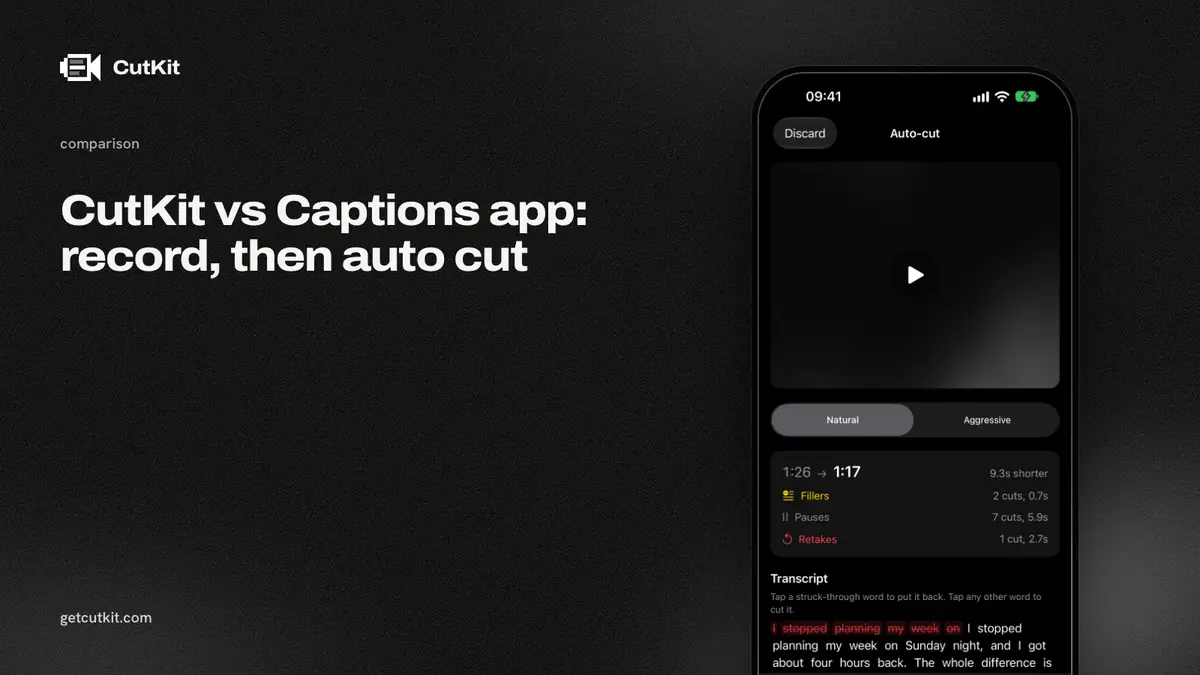
Captions and CutKit both promise the same thing: record a talking-head video on your phone and get something you can post. The Captions app does it in the cloud with a big set of AI edits, credits and a subscription. CutKit does one narrower job on the phone itself, and you don’t need an account.
Short answer: pick Captions if you want scene cuts, B-roll, dubbing and captions, and you’re happy to pay monthly and let your footage go to a server. Pick CutKit if you want a voice-following teleprompter, native 4K HDR recording, and retakes and filler cut on the device, with a lifetime Pro option. CutKit is a TestFlight beta, iPhone only, and does far less editing.
Captions is the bigger editor
Be clear about the gap. Captions is a mature app with 38,132 ratings at 4.75 on the App Store (checked 29 Sep 2026). It runs on iOS, Android and the web. CutKit has no ratings yet and no Android app.
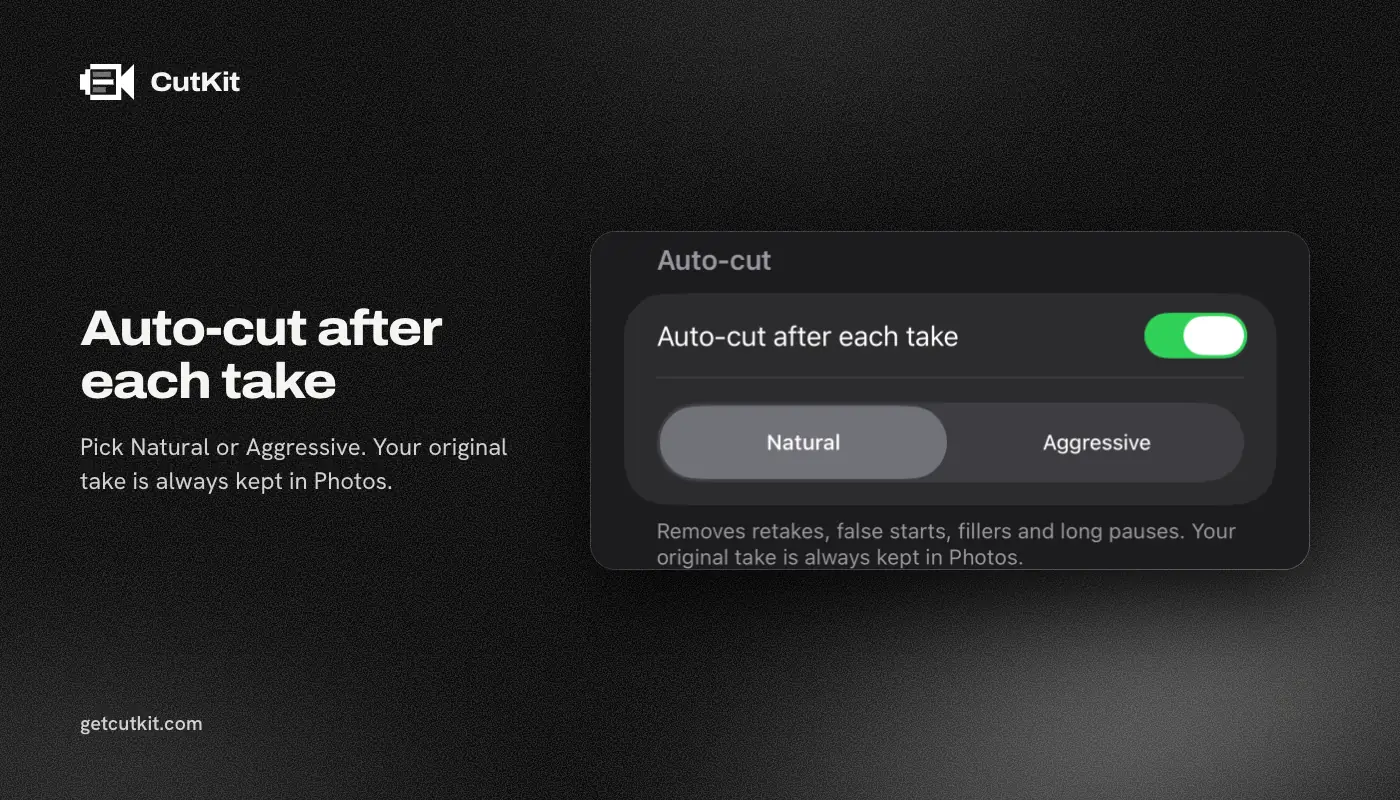
On editing, Captions does more than we ever plan to. Its AI Trim removes pauses and filler words, and AI Edit cuts scenes and adds B-roll, per its own docs and listing (checked 29 Sep 2026). CutKit cuts retakes, false starts, filler words and long pauses. That’s the list.
The Captions listing also mentions an AI teleprompter that reads from your script. If you already live in Captions, that may be all the teleprompter you need.
CutKit skips the account, the upload and the meter
Those show up on day one.
Where your footage goes. Captions needs an account for paid features. We couldn’t confirm from its pages whether trimming runs on the device or in the cloud. CutKit has no account, and the teleprompter and the cut both run on the phone. The teleprompter follows your voice with Apple’s SpeechAnalyzer, and nothing is uploaded.
What quality you keep. CutKit records in the native camera format: 4K, 10-bit HDR HEVC, stereo audio, saved to Photos. The cut exports without re-encoding. Captions’ listing doesn’t state a capture resolution, so we can’t compare that row.
How you pay. Captions charges by subscription and by credits. Its site lists Max at $24.99 a month with 500 credits, and Frontier tiers from $69.99 to $279.99 a month. On the App Store it lists weekly at $5.99, monthly at $9.99 and yearly at $64.99 (all as of September 2026). One App Store reviewer wrote on 2026-09-25 that “$25 bought me 2.5 minutes of video”. That’s one review and no rule, but it shows what a credit meter can feel like. CutKit has a 7-day free trial, with a small CutKit watermark on exports during it, then Pro is $9.99 a month, $59.99 a year or $149.99 lifetime for 4K and unlimited scripts. Cutting on the phone has no per-minute cost.
The comparison table
| CutKit | Captions | |
|---|---|---|
| Price (as of September 2026) | 7-day free trial, then $9.99 a month, $59.99 a year or $149.99 lifetime | Subscription and credits, $24.99 a month for Max on its site |
| App Store plans | 7-day free trial, then $9.99 monthly, $59.99 yearly, $149.99 lifetime | $5.99 weekly, $9.99 monthly, $64.99 yearly |
| Teleprompter | Follows your voice, on device | AI teleprompter reads from your script, voice follow not confirmed |
| Recording format | Native 4K, 10-bit HDR HEVC | Not stated |
| Pauses and filler words | Cut on the phone | AI Trim |
| Retakes | Cut automatically | Not found |
| Scenes, B-roll, dubbing | No | Yes |
| Account | None | Required for paid features |
| Where editing runs | On the phone | Not confirmed |
| Platforms | iPhone, iOS 27+ | iOS, Android, web |
| App Store rating | None yet | 4.75, 38,132 ratings |
Who should pick which
Pick Captions if you want an all-in-one editor that also makes captions and dubs, you edit on Android too, or you like AI doing scene-level decisions. Watch the credit meter before you commit to a plan.
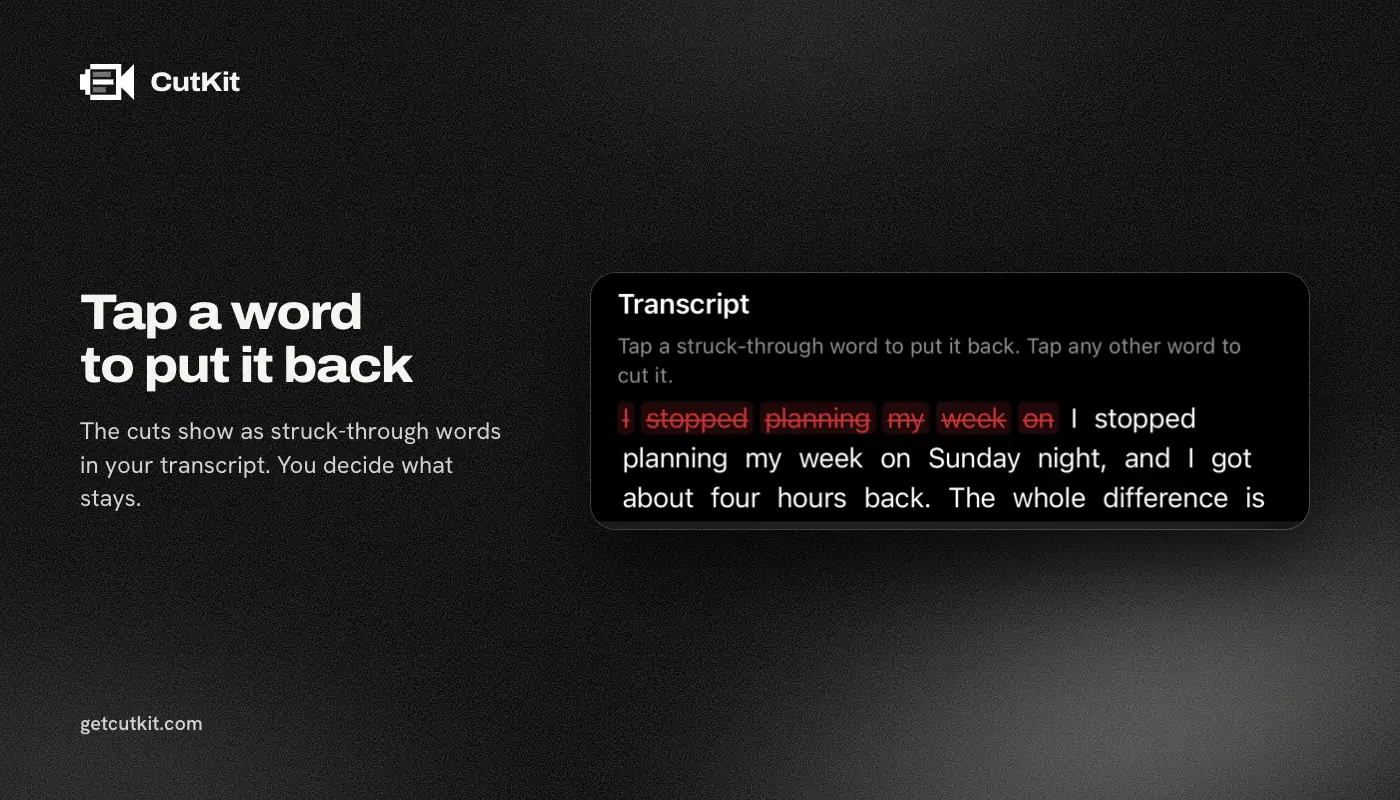
Pick CutKit if your workflow is “read a script, record one take, post it”. Your scripts can come from Claude through MCP, from Apple Notes through Shortcuts, or from a paste. You review the cuts, tap to restore any, and export the file at the quality you shot it. If you want captions afterwards, add them in whatever app you like, since the export lands in Photos.
More options are in our best teleprompter apps for iPhone roundup and on the Captions alternatives page. CapCut is the other editor most people already have, so see CutKit vs CapCut. Ready to try it? Join the beta on the home page.
Frequently asked questions
Is the Captions app free?
There’s a free tier, but paid features need an account and a plan. Its site lists Max at $24.99 a month, and the App Store lists weekly, monthly and yearly options, as of September 2026.
Does Captions have a teleprompter?
Yes, its App Store listing mentions an AI teleprompter that reads directly from your script. We couldn’t confirm that it follows your voice.
Does Captions remove filler words and pauses?
Yes. Its AI Trim removes pauses and filler words. We found no mention of retake detection on the pages we read.
Does CutKit work without an account or internet?
CutKit has no account, and the teleprompter follows your voice on the device using Apple’s SpeechAnalyzer. The cut also runs on the phone, so nothing is uploaded.
Does CutKit do captions, B-roll or dubbing?
No. CutKit cuts retakes, false starts, filler words and long pauses, then exports without re-encoding. For captions or B-roll you’d use another app after export.