
comparison
CutKit vs CapCut: teleprompter and auto cut on iPhone
CapCut is a huge free editor with a manual teleprompter and captions. CutKit follows your voice, records native 4K HDR and cuts retakes on the phone. Compared.
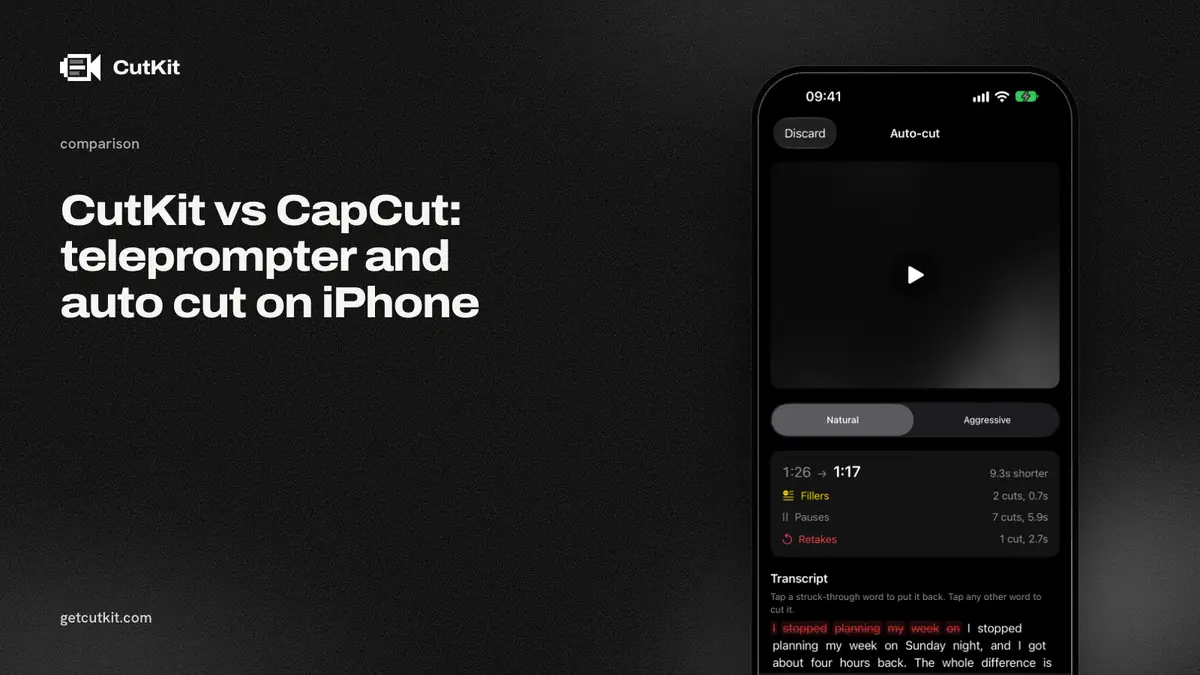
You probably already have CapCut, so the fair question is whether a separate app is worth it. CapCut has a teleprompter tool and it can trim and caption. It’s also a full editor. CutKit is the opposite shape: a teleprompter that follows your voice and a cut that removes your retakes, and no timeline at all.
Short answer: stay with CapCut if you want one app for editing everything, with effects, captions and Android or desktop versions. Try CutKit if you record scripted talking-head video on an iPhone and want the retakes, filler and long pauses gone before you open an editor. CutKit is a TestFlight beta, iPhone only, and it does far less than CapCut.
CapCut is the bigger tool
The numbers say it. CapCut has 1,122,338 ratings at 4.61 on the App Store (checked 29 Sep 2026). CutKit has none yet.
CapCut runs on iOS, Android and desktop. Its listing shows 4K export at 60 fps with smart HDR, and it does auto captions plus trim and split. It’s freemium, with Pro on a subscription: the App Store lists monthly plans from $7.99 to $19.99 and a yearly plan at $89.99 (as of September 2026).
CutKit has no timeline, no effects, no templates and no stickers. If you want to add any of that, CapCut is the better place to do it. You can use both, since CutKit saves to Photos.
CutKit’s edge
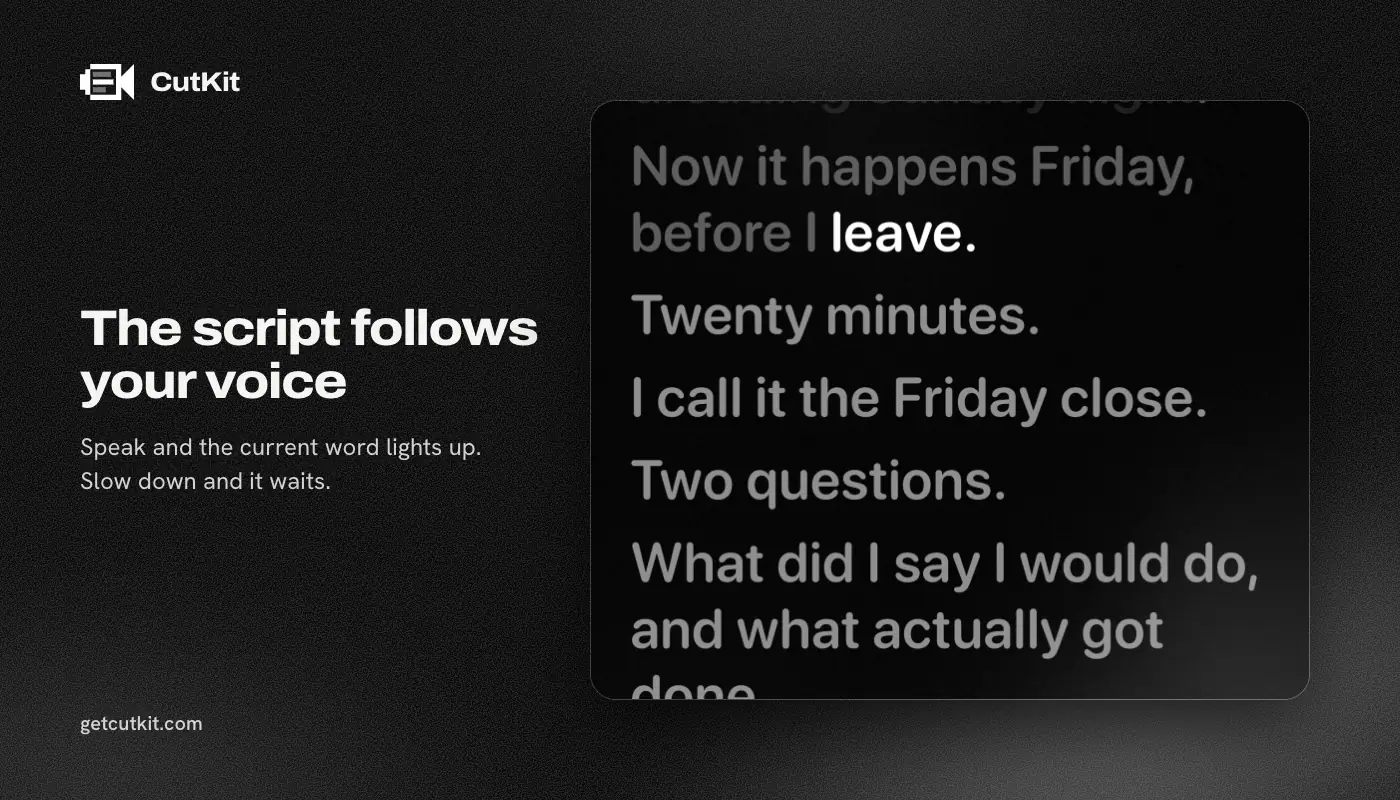
The teleprompter follows your voice. CapCut’s teleprompter uses a manual speed slider, according to third-party write-ups (MakeUseOf and a teleprompter.com comparison, checked 29 Sep 2026), so we’re relying on those, not on CapCut’s own docs. CutKit listens with Apple’s SpeechAnalyzer on the device and moves the script as you speak.
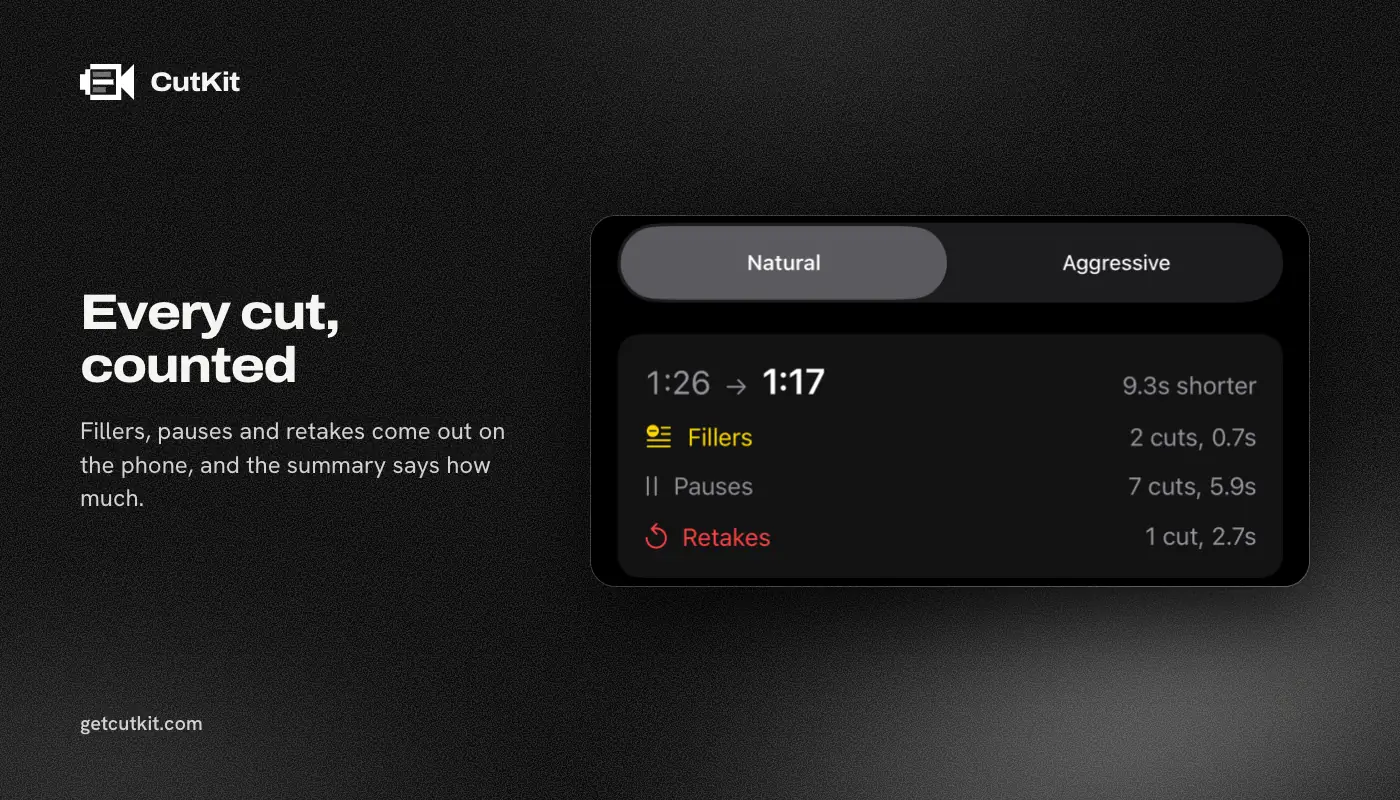
The cut is automatic and built for retakes. CapCut has auto captions and manual trim and split. A review mentioned an auto-cut on mobile, but we couldn’t verify what it removes. CutKit cuts retakes, false starts, filler words (English and French) and long pauses on the phone, at Natural or Aggressive pace. You review the result and tap to restore any cut.
Native capture and no re-encode. CutKit records in the camera’s own format: 4K, 10-bit HDR HEVC, stereo audio. The cut exports without re-encoding. CapCut’s HDR claim is about export, and we couldn’t confirm what its in-app teleprompter camera records.
Nothing is uploaded and there’s no account. CapCut says nothing on its listing that we could tie to an account requirement for the basics, so treat that row as unknown. CutKit needs none, ever.
The comparison table
| CutKit | CapCut | |
|---|---|---|
| Price (as of September 2026) | 7-day free trial, then $9.99 a month, $59.99 a year or $149.99 lifetime | Freemium, Pro $7.99 to $19.99 a month or $89.99 a year |
| Free plan | None, 7-day free trial with a small watermark | Free editor, Pro adds paid features |
| Teleprompter | Follows your voice, on device | Manual speed slider (third-party source) |
| Recording format | Native 4K, 10-bit HDR HEVC | Camera recording not verified |
| Export | Cut without re-encoding | 4K 60 fps, smart HDR |
| Auto cut | Retakes, false starts, fillers, pauses | Auto captions, trim and split, auto cut not verified |
| Captions, effects, templates | No | Yes |
| Account | None | Not confirmed for basics |
| Platforms | iPhone, iOS 27+ | iOS, Android, desktop |
| App Store rating | None yet | 4.61, 1,122,338 ratings |
A fair way to test both
Don’t trust our table, or anyone’s. Take one 60-second script with a couple of lines you know you’ll trip on. Record it once in CapCut with its teleprompter tool, and once in CutKit. Then count: how many minutes it takes to get from the raw take to a clip you’d post, and whether the picture looks the same as your camera app’s.
CapCut will win the second half of that test if you want captions or effects, because it has them and we don’t. CutKit should win the first half if your problem is retakes, because the cut is automatic and you only review it. If you don’t trip on lines much, or you always add heavy graphics, CapCut is probably the right answer and you can stop reading.
Who should pick which
Use CapCut if you edit a lot of formats, want effects and captions in the same place, or work on Android and desktop as well. It’s free to start, and for most people it does the job.
Use CutKit if you keep re-recording the same paragraph and then lose an evening scrubbing a timeline for the good take. Write or paste the script (Claude through MCP and Apple Notes through Shortcuts both work), record, review the cuts, and export. What you’d do next in CapCut, like captions, is still open to you.
The wider field is in our best teleprompter apps for iPhone roundup. If you’re deciding between cloud editors, see CutKit vs Captions and CutKit vs Descript. Join the CutKit beta from the home page.
Frequently asked questions
Does CapCut have a teleprompter?
Yes, CapCut has a teleprompter tool. Third-party write-ups describe a manual speed slider, with no voice follow. We couldn’t confirm that from CapCut’s own pages.
Can CapCut remove filler words automatically?
CapCut has auto captions and trim and split tools. We couldn’t verify filler-word removal on mobile. CutKit removes filler words in English and French on the phone.
Is CapCut free?
The editor is free to start. CapCut Pro is a subscription, listed on the App Store at $7.99 to $19.99 a month or $89.99 a year as of September 2026.
Is CutKit a CapCut replacement?
No. CutKit has no timeline, effects or captions. It records with a teleprompter and cuts retakes, so you can skip the scrubbing. Many people will still finish in CapCut.
Does CutKit lower my video quality?
It doesn’t re-encode. It records 4K, 10-bit HDR HEVC in the native camera format, saves to Photos, and exports the cut without re-encoding.