
comparison
CutKit vs Descript: cut retakes on iPhone
Descript is the best-known text editor for cutting retakes and filler, in the cloud. CutKit cuts them on your iPhone while you record. Where each one wins.
Descript edits video by editing text. It’s the tool most people name when they want retakes and filler words gone, and it’s very good at it. CutKit does a smaller version of that job on your iPhone, as part of recording. So this isn’t a fight between equals. It’s a choice of when to cut.
Short answer: choose Descript if you edit long recordings, need text-based editing, or work on a desktop with other people. Choose CutKit if you shoot short scripted takes on an iPhone and want them cut on the phone before they leave it, with no account and no upload. CutKit is a TestFlight beta, iPhone only, and has far fewer features.
Descript is the stronger editor
Say it plainly: for retakes and fillers, Descript is the benchmark. Its docs describe removing filler words, removing retakes and silences, and text-based editing (checked 29 Sep 2026). It handles long-form work, which is where a transcript editor pays off. CutKit’s cuts are aimed at a single take.
Descript lives on desktop and the web. We couldn’t find a native iPhone app from Descript on the App Store, only a third-party listing with 4 ratings, so if your workflow is phone-first, that’s a gap on its side. If your workflow is a laptop, it’s a gap on ours.
It also has a free tier: 1 media hour, per its pricing page. CutKit has no free plan, only a 7-day free trial.
The differences that matter
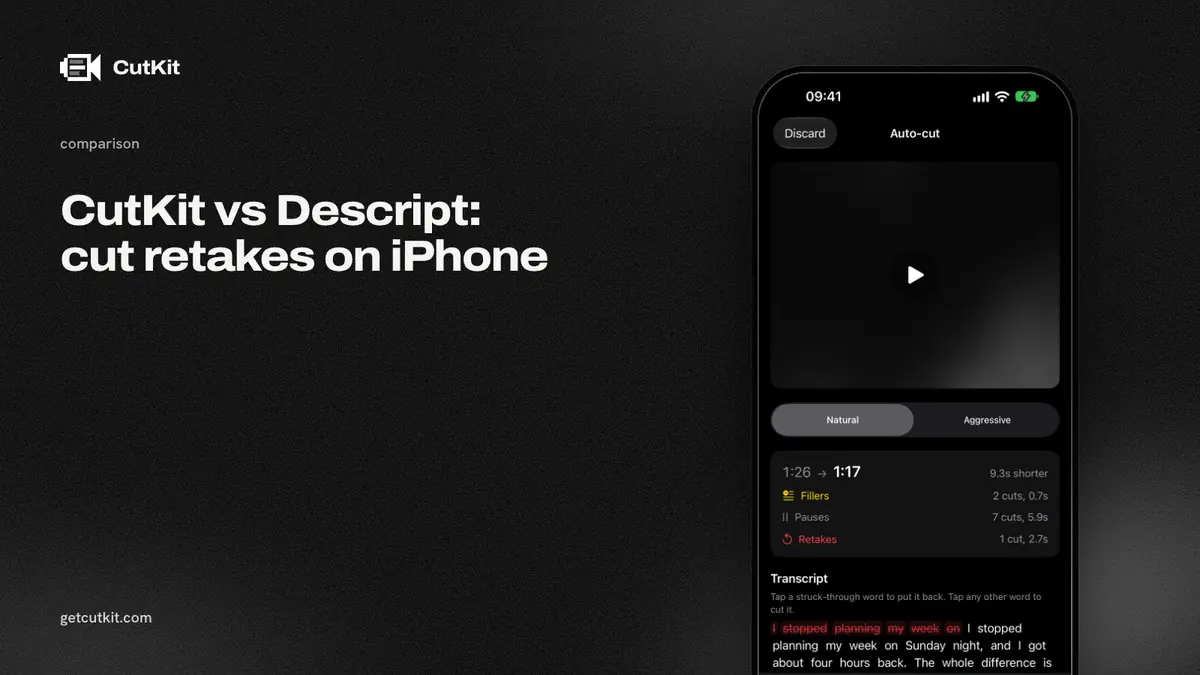
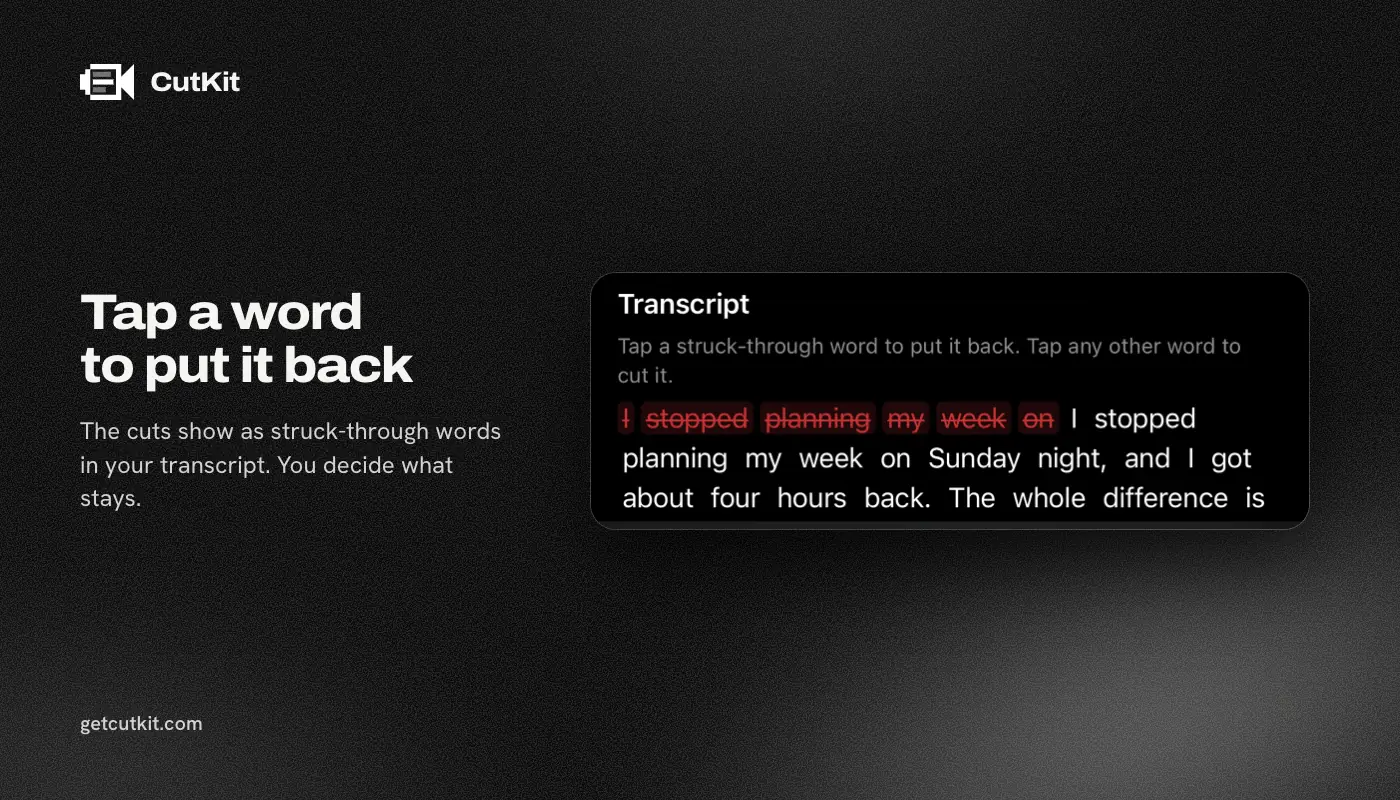
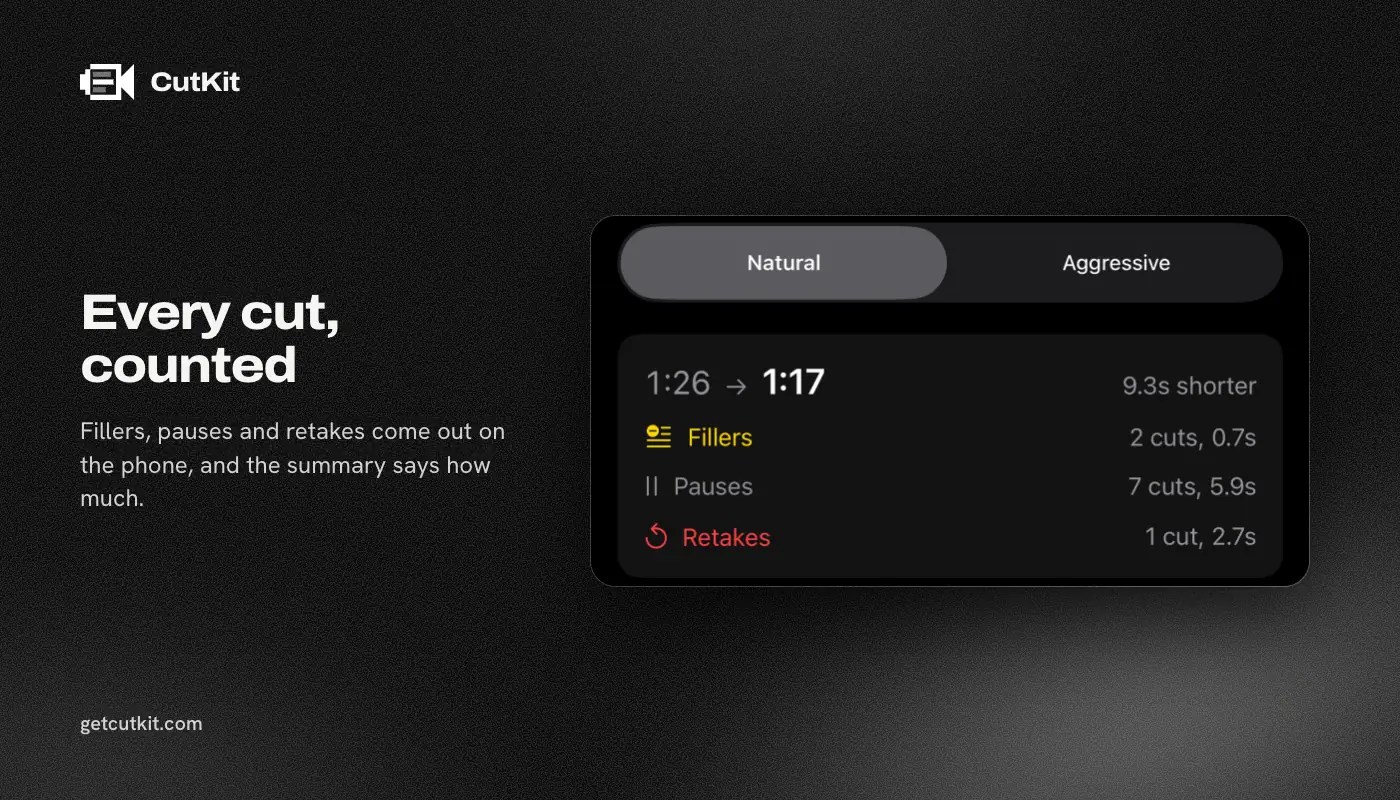
When the cut happens. With Descript you record, upload, wait for the transcript, then edit text. With CutKit you record with the script on screen, the app cuts retakes, false starts, filler words (English and French) and long pauses on the phone, and you review the cuts. You can tap to restore any of them. Natural or Aggressive pace decides how tight it goes.
Where the footage goes. Descript is a cloud product and needs an account. CutKit has no account, follows your voice with Apple’s SpeechAnalyzer, and uploads nothing.
What comes out. CutKit records in native camera quality (4K, 10-bit HDR HEVC, stereo audio) and exports the cut without re-encoding. For Descript we found export limits: 1080p on Hobbyist and 4K on Creator. We couldn’t verify its capture quality.
How you pay. Descript is a subscription. As of September 2026, its pricing page read Hobbyist at $24 a month or $16 a month billed annually, Creator at $35 a month or $24 annually, and Business at $50 to $65 a month. That page swapped monthly and annual between fetches, so we use the higher monthly reading and you should check it before buying. CutKit’s Pro is $9.99 a month, $59.99 a year or $149.99 lifetime.
The comparison table
| CutKit | Descript | |
|---|---|---|
| Price (as of September 2026) | 7-day free trial, then $9.99 a month, $59.99 a year or $149.99 lifetime | Free, then $24 to $65 a month depending on plan |
| Free plan | None, 7-day free trial with a small watermark | 1 media hour |
| Retakes | Cut on the phone | Yes, in the cloud |
| Filler words, silences | Cut on the phone | Yes, in the cloud |
| Text-based editing | No | Yes |
| Teleprompter, voice follow | Yes, on device | Voice follow not mentioned in docs |
| Recording format | Native 4K, 10-bit HDR HEVC | Capture quality not verified |
| Account | None | Required |
| Platforms | iPhone, iOS 27+ | Desktop and web |
Who should pick which
Pick Descript for podcasts, interviews, courses and any long recording, or when a team needs to review edits. It’s also the better choice if you record on a laptop or a camera and don’t want a phone in the loop.
Pick CutKit if you’re a founder or creator who records vertical clips from a script and keeps redoing takes. Get your script from Claude with MCP, Apple Notes with Shortcuts, or paste it in. Record, review, export. If that clip later needs a deeper edit, take it to Descript or any other editor, because the file is already in Photos at full quality.
The roundup of best teleprompter apps for iPhone puts CutKit next to the pure teleprompters. If you’re leaving Descript, the Descript alternatives page lists more options. Detail is the other iPhone app that mixes recording and cutting, so read CutKit vs Detail. Join the CutKit beta on the home page.
Frequently asked questions
Does Descript remove retakes and filler words?
Yes. Its docs describe removing filler words, retakes and silences, all through text-based editing. It’s cloud-based and needs an account.
Does Descript have an iPhone teleprompter?
We couldn’t find a native Descript app on the App Store, and its docs don’t mention voice-following. It has a teleprompter tool on its site. Check it against your own script.
Is Descript free?
There’s a free tier with 1 media hour. Paid plans run from $24 a month for Hobbyist to $50 to $65 a month for Business, as of September 2026, though its pricing page was inconsistent when we checked.
Does CutKit replace Descript?
No. It has no transcript editor, no long-form tools and no desktop app. It cuts retakes, false starts, filler words and long pauses on the iPhone, for short scripted takes.
Does CutKit upload my video?
No. There’s no account and no cloud step. Recording, the voice-following teleprompter and the cut all run on the phone.